You just brewed a cup and it tastes a bit flat, or maybe the water has a faint chlorine smell. The first thing you check is the filter indicator on your pitcher. It still says green, so the filter must be fine, right? Not necessarily. That little indicator doesn’t run on magic. It runs on a timer, and sometimes it needs a manual nudge to line up with reality.
This guide walks through the exact steps to reset the filter status on common pitcher models, explains why the reset matters for coffee flavor, and covers when you should just swap the cartridge instead of hitting reset. You will also see how a fresh filter compares to a tired one in a side-by-side test, so you know what to expect from your next brew.

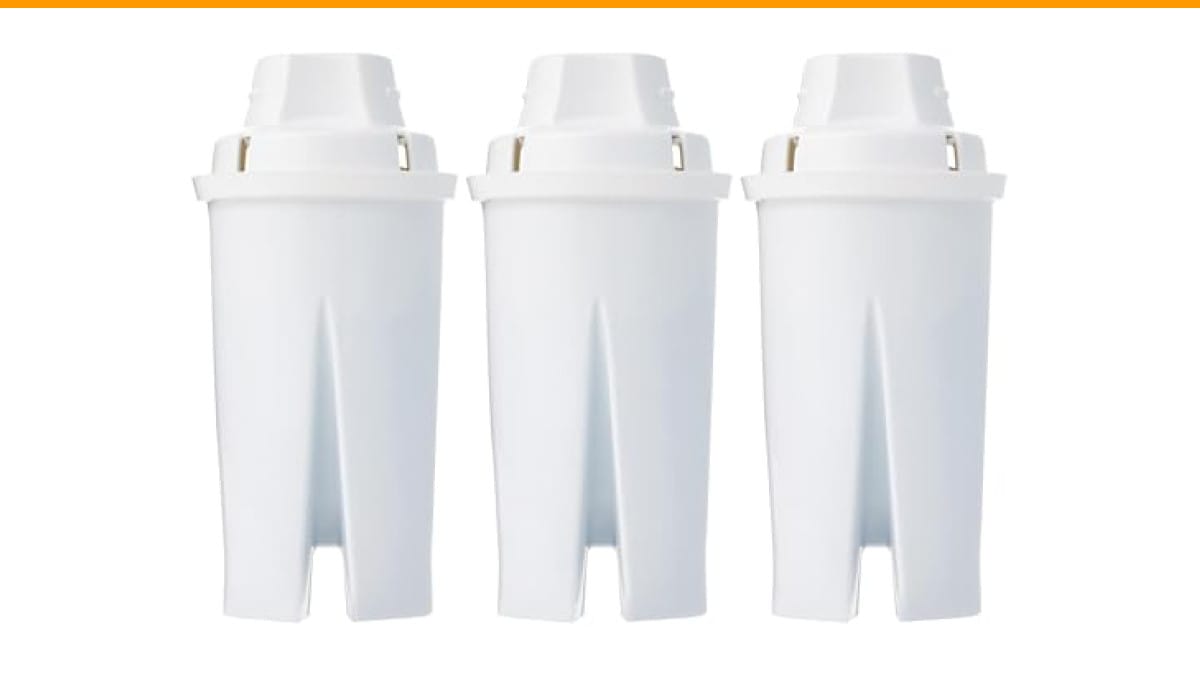
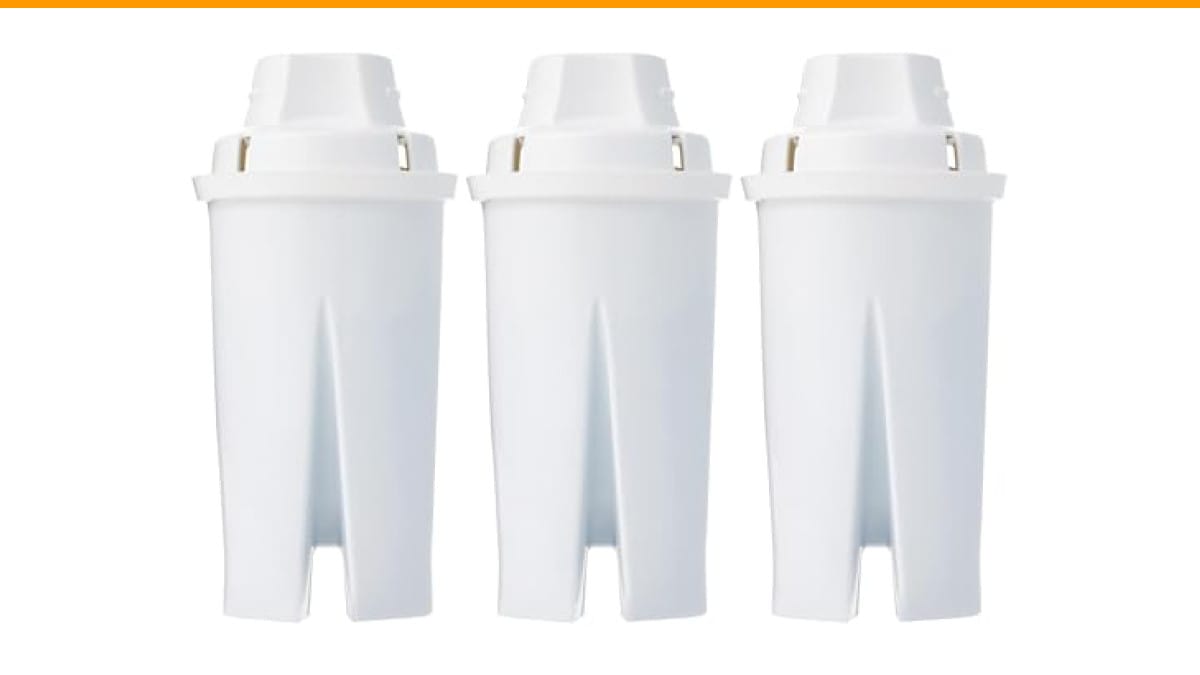
Amazon Basics
Amazon Basics Enhanced Water Filter, Brita Filter…
- Water Pitcher Filter of European Origin: Manufactured in Europe, this pitcher filter helps filter household drinking water for imp…
- Filter Water Pitcher Compatibility: These water purifier filters are Brita compatible and fit Amazon Basics and Brita pitchers and…
- Reduce Waste: Each water filter cartridge replacement can replace 300 single-use water bottles. The Brita filters 3-pack supplies…
As an Amazon Associate I earn from qualifying purchases.
If you find your pitcher is not the problem but your coffee maker is acting up, check out this guide on Mr. Coffee troubleshooting for separate fixes.
Why the Reset Function Exists
Most pitcher filters use an electronic or mechanical counter that tracks time, not water volume. The chip inside assumes you use the pitcher at an average rate. After 40 gallons or roughly two months, the indicator flips to red. That is a guess, not a measurement.
Here is the catch. If you replace the cartridge early, the indicator still thinks the old filter is in place. It stays red even though your water is perfectly fine. Or you might refill the pitcher five times a day, exhausting the filter in six weeks while the indicator still shows green. The reset button simply tells the counter, start over from zero.
For coffee, this matters more than for plain drinking water. Coffee is about 98% water. A filter that is past its prime lets chlorine and other compounds through, which mutes the bright acids and sweet notes in your beans. You will taste the difference even if you cannot smell it.
Step-by-Step Reset Instructions
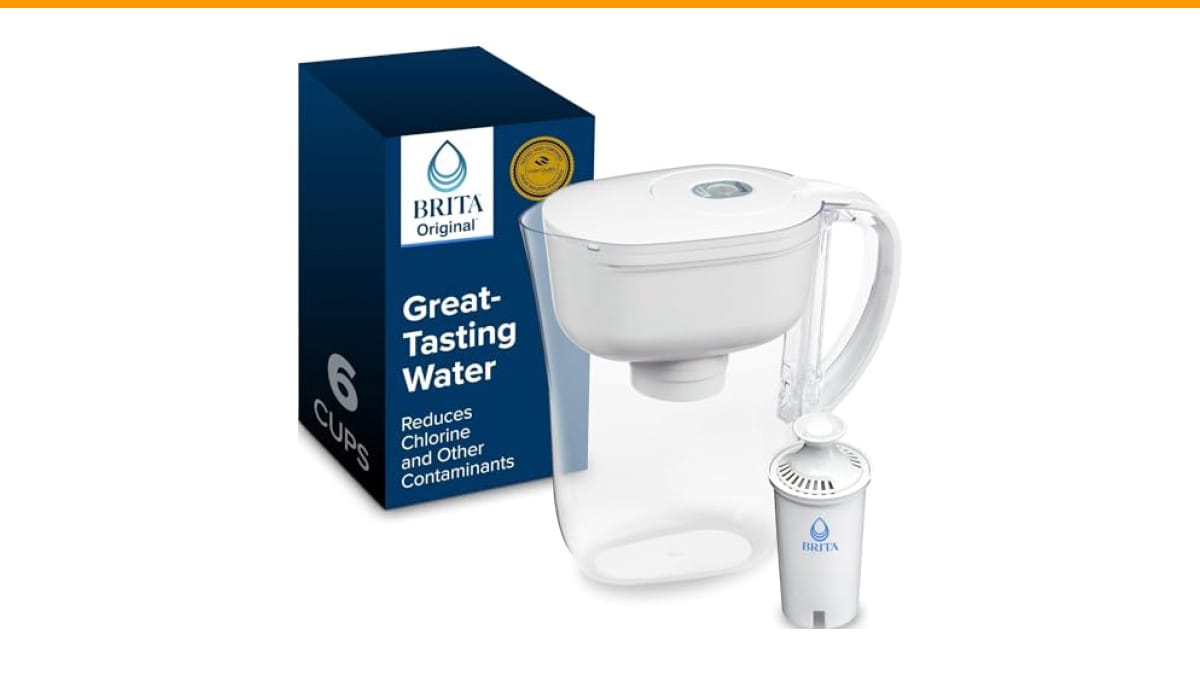
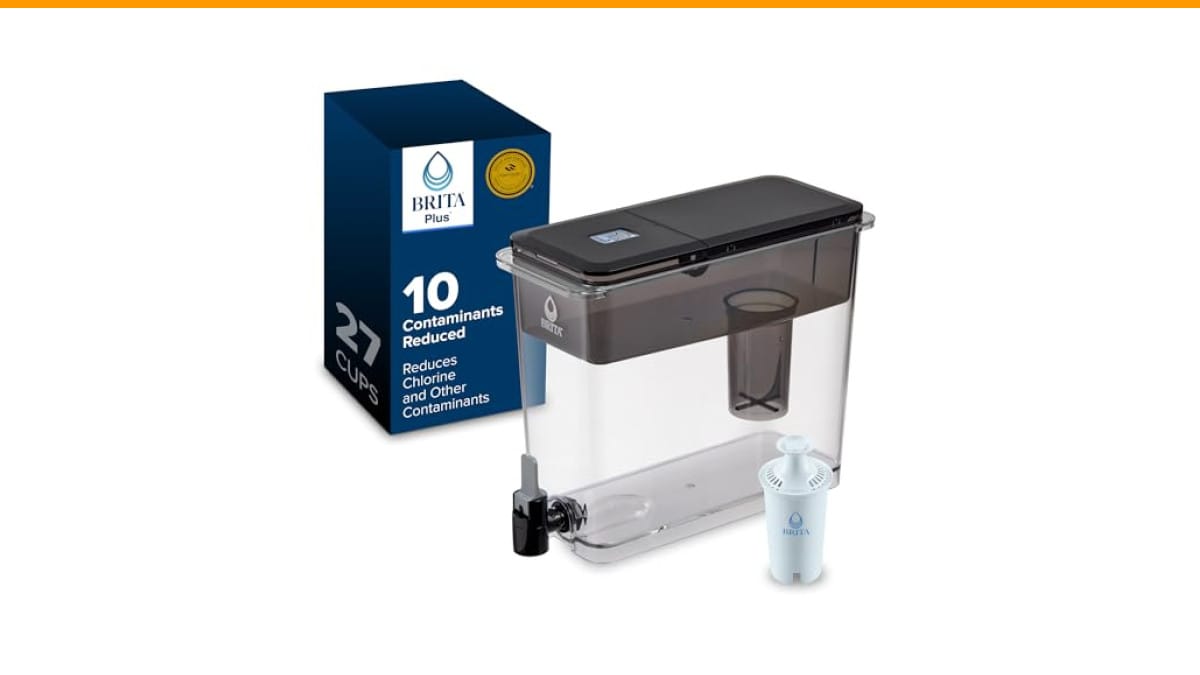
Grab your pitcher and look at the lid. Most models have a small button or a sliding switch near the digital display. The exact method depends on whether you have a digital or manual indicator.
Digital Indicator Models
- Remove the lid from the pitcher.
- Locate the reset button, usually a tiny pinhole or a recessed button labeled RESET.
- Use a paperclip or the tip of a pen to press and hold the button for 5 to 10 seconds.
- Watch the display. It should flash, then show a full battery icon or a solid green bar.
- Replace the lid and run a quick rinse cycle by filling and discarding one full pitcher of water.
Manual Slider Indicators
Older pitchers use a simple mechanical dial. You do not press a button. Instead, you rotate the dial or slide the tab back to the start position. It clicks into place. That is your reset.
One thing to note: some budget pitchers do not have a reset function at all. The indicator is a sticker that you replace manually. If your model has no button and no slider, you simply ignore the old sticker or cover it with tape. The filter still works fine.
If your coffee maker has a built-in water filter, the reset process is different. That is covered in a separate guide on coffee machine maintenance.
When to Reset vs. When to Replace
Reset does not equal replace. Pressing the button on an old cartridge does not give it new life. It only clears the timer. You still need a fresh cartridge every two months or 40 gallons, whichever comes first.
Here is a quick decision rule. If the indicator is red and you installed the cartridge less than six weeks ago, you likely have a hard water area or you refill the pitcher constantly. Replace the filter anyway. If the indicator is red and the cartridge is older than eight weeks, replace it. If the indicator is green but the water tastes odd, trust your palate, not the light. Swap the cartridge.
The Amazon Basics Enhanced Water Filters for Pitcher, a Brita-compatible 3-pack, makes this easy to keep on hand. Each cartridge lasts 40 gallons or two months, so a 3-pack covers six months of daily brewing. They are WQA certified to reduce chlorine taste and odor, plus several heavy metals. Keep a spare in the cabinet so you are never tempted to stretch one past its prime.
Side-by-Side Test: Fresh vs. Expired Filter
To see the practical difference, brew two cups of the same coffee. Use one pitcher with a brand-new cartridge and one with a cartridge that is 10 weeks old. Use the same beans, same grind size, same water temperature.
The fresh filter cup will taste cleaner. The coffee will have more pronounced acidity, like a bright apple note, and a sweeter finish. The expired filter cup will taste slightly dull. The bitterness will be more forward, and you may notice a faint plastic or chlorine aftertaste. The difference is subtle but real, especially with light roast beans.
If you drink dark roasts with milk and sugar, you might not notice. If you drink black coffee, you will.
| Filter Condition | Indicator Status | Water Taste | Coffee Impact | Action Needed |
|---|---|---|---|---|
| New (0-2 weeks) | Green | Clean, neutral | Bright, balanced | None |
| Mid-life (3-6 weeks) | Green/Yellow | Mostly clean | Slightly muted | Monitor |
| Expired (8+ weeks) | Red | Chlorine smell possible | Flat, dull, bitter | Replace cartridge |
| Reset but old | Green (reset) | Same as expired | Same as expired | Replace cartridge |
This test also shows why you should clean your coffee maker regularly. A dirty machine can mask the benefits of a fresh filter. If you have not descaled in a while, read this guide on descaling your coffee maker before you blame the water.
Common Mistakes People Make
The biggest mistake is soaking a new cartridge in hot water. The instructions say cold water for a reason. Hot water can break down the carbon structure and release fine carbon dust into your pitcher. That dust makes your coffee look cloudy and taste gritty.
Another mistake is forgetting to flush the new cartridge before the first use. You must run two full pitchers of water through and discard them. This removes loose carbon fines and primes the filter. Skipping this step gives your first brew a black, dusty sediment.
People also press the reset button before installing the new cartridge. That is fine, but you still need to run the rinse cycle afterward. The order does not matter much. The rinse does.
Finally, do not put the pitcher filter in the dishwasher. The heat warps the plastic housing and ruins the seal. Hand wash the pitcher and lid only.
Frequently Asked Questions
How often should I reset the filter indicator?
Reset it every time you install a new cartridge. That is the only time it needs a reset. If you remove the filter for cleaning, you do not need to reset it. The timer keeps running.
My indicator is stuck on red even after resetting. What now?
Hold the reset button for a full 15 seconds. If it still shows red, the battery in the lid may be dead. Some models have a replaceable coin battery. Others require a new lid entirely. Check your manual for the battery type.
Can I use a pitcher filter for coffee if it says it is for water?
Yes. Pitcher filters do not care what liquid you use them for. They filter the water before it goes into your coffee maker. The filter does not touch the coffee itself. Just make sure you use fresh, cold water, not hot water from the tap.
Does the reset button affect water quality?
No. The reset button only changes the display. It has zero effect on the filtration media. If the cartridge is old, resetting it does not make the water cleaner. It only makes the light green again.
Why does my coffee taste bitter after changing the filter?
You probably did not rinse the new cartridge enough. Run two full pitchers of water through the filter and discard that water. Then brew a test cup. If it still tastes bitter, check your coffee-to-water ratio or your grind size. The filter is rarely the culprit once it is flushed.
What to Remember for Better Coffee
- Reset the indicator only when you install a fresh cartridge.
- Replace the cartridge every 40 gallons or two months, whichever comes first.
- Always flush a new filter with two full pitchers of cold water.
- Trust your taste over the indicator light. Stale water makes flat coffee.
- Keep a spare 3-pack in the pantry so you never run out mid-week.
- Clean and descale your coffee maker on the same schedule as your filter changes.
- If your coffee tastes worse after a filter change, check your rinse process first.
Water is the silent ingredient in every cup. A properly reset and replaced filter keeps that ingredient neutral, clean, and ready to let your beans shine. It takes thirty seconds to reset and two minutes to rinse. Your morning cup will thank you.
Products related to this article
Sponsored / affiliate links. As an Amazon Associate I earn from qualifying purchases. I may earn additional commission from eligible campaigns.
 SOLUSTRE Electric USB Coffee Cup Warmer with Temperature Settings Portable Milk and Beverage Heating Coaster for Office Desk Small Lightweight Design Easy to Clean Surface Multi Functional
 HomeBeyond Espresso Coffee Maker 12 Cups, Classic Stovetop Espresso Maker, 600ml / 20oz Coffeemaker for Gas & Ceramic Stovetops (Silver)
 Stainless Steel Moka Pot Coffee Filter Disc for Espresso Brewing, Coffee Maker Replacement Filter Plate for Home Office Coffee Bar Cafe (FOR 4 Cups)