Your milk frother was working fine this morning. Then, suddenly, the light blinked red, the motor made a grinding sound, or it just stopped mid-cycle. You press the button again, and nothing happens. Before you toss it in the closet or order a new one, know this: most frother failures are not hardware failures. They are software lockouts or safety triggers that a simple reset will clear.
This guide covers the exact procedure to reset a milk frother, whether you own a cheap handheld whisk or a high-end automatic model with a heating plate. You will also learn why the reset works, what to do when it doesn’t, and how to prevent the problem from coming back next week.
Urnex
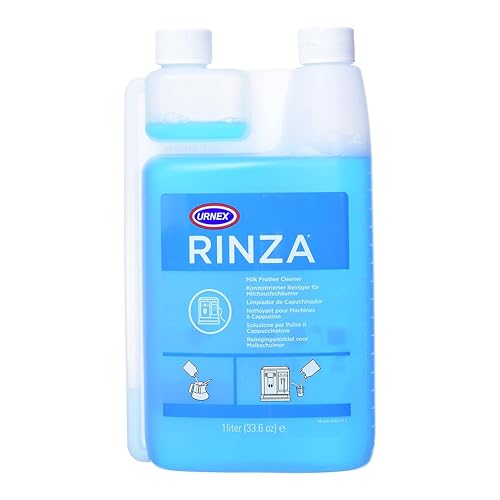
Urnex - Rinza Alkaline Formula Milk Frother…
- Milk frother cleaner breaks down milk protein buildup.
- Comes in a dual-chamber bottle that contains a built-in measuring device.
- Cycles through auto frothers for easy cleanup.
As an Amazon Associate I earn from qualifying purchases.

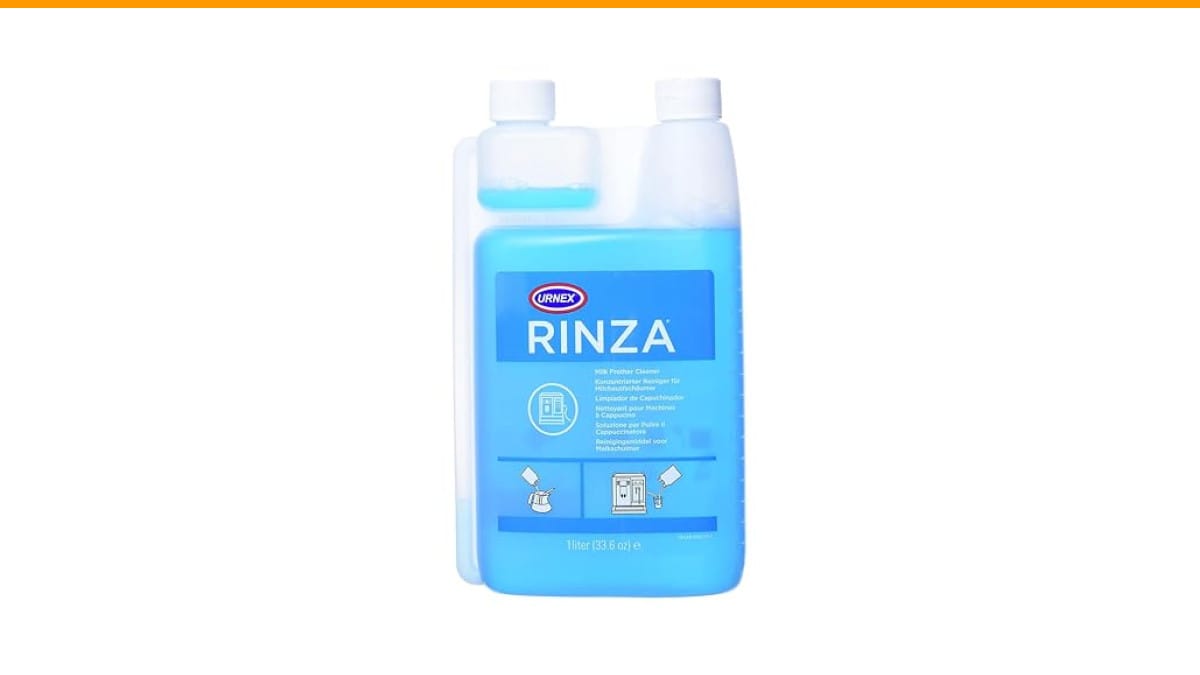
Urnex – Rinza Alkaline Formula Milk Frother Cleaner
Once you get the frother running again, keep it that way. This alkaline cleaner breaks down the milk protein film that causes sensors to misfire. The dual-chamber bottle has a built-in measuring device, so you get consistent doses without guessing. It cycles through auto frothers and works on steam wands and steel pitchers. One bottle delivers over 30 cleanings.
Check price on AmazonWhy a Reset Works: The Safety Lockout Explained
Most electric frothers have a thermal fuse or a motor overload switch. When the motor gets too hot, or when the whisk hits thick milk solids, the controller cuts power. That is a safety feature, not a defect. The problem is that the controller stays locked until you manually clear the fault.
On many models, the only way to clear the fault is to disconnect power completely. Pressing the power button does not reset the logic board. You have to remove the base from the wall outlet, or unplug the cord from the unit, and wait.
Here is the standard procedure that works for 9 out of 10 frothers:
- Turn the frother off and unplug it from the wall.
- Remove the carafe or jug from the base.
- Wait a full 60 seconds. Do not rush this. The capacitors inside need time to drain.
- Plug it back in.
- Place the carafe back on the base.
- Press the power button once. Do not start a cycle yet.
- Wait for the indicator light to turn solid (not blinking).
- Start a normal frothing cycle.
If the light still blinks red or the motor does not spin, you have a deeper issue. Move to the next section.
Myth: You Need a Special Tool or a Technician to Reset the Machine
People assume a reset requires a paperclip in a pinhole, like a router, or a secret button combo. That is rarely the case with milk frothers. There is no hidden service menu. There is no factory reset code. The controller is a simple on/off device with a timer and a temperature sensor.
What looks like a software error is usually a physical blockage. The magnetic coupling between the motor in the base and the whisk in the carafe gets jammed with dried milk. The motor tries to spin, fails, and trips the overload relay. Unplugging the unit resets the relay, but the jam is still there. So you reset it, it runs for two seconds, and it locks out again.
Before you reset a second time, inspect the whisk assembly. Take the whisk off the shaft. Check for milk residue wrapped around the base of the shaft. Rinse it under hot water and dry it fully. Reattach it and try again. This simple step clears the fault more often than any electronic reset.
If you own a Breville or a similar premium machine, check our guide on Breville Dual Boiler for related maintenance tips, but the frother reset logic is the same: unplug, wait, retry.
Myth: Running a Cycle with Water Cleans the Inside and Fixes the Error
Water rinses the surface, but it does not dissolve the milk protein that has baked onto the heating element or the sensor. If your frother has a temperature sensor, a layer of cooked protein acts like an insulator. The sensor reads the wrong temperature, thinks the unit is overheating, and shuts down. Running water through it will not fix that.
You need an alkaline cleaner, not water. Alkaline solutions break down dairy protein bonds. A dedicated product like the Urnex Rinza is designed for this exact job. It is not a degreaser, and it is not soap. It targets the specific residue that causes these lockouts.
Here is the cleaning cycle for an automatic frother:
- Fill the carafe with warm water to the max fill line.
- Add the recommended dose of cleaner (the Rinza bottle measures it for you).
- Run the frothing cycle without adding milk.
- Pour out the solution and rinse the carafe thoroughly.
- Run one more cycle with plain water to flush the system.
Do this every two weeks if you use the frother daily. If you are already dealing with a steam wand that is clogged, the same principle applies — protein buildup requires chemical breakdown, not just hot water.
What to Do When the Reset Fails Completely
Sometimes the reset works, and the frother runs fine for a day. Then the error returns. That pattern points to a dying battery in the base (if it is battery-operated) or a failing motor. If the unit is less than a year old, contact the manufacturer. Most have a warranty that covers motor failure.
If the frother is older, consider whether the cost of repair is worth it. A replacement motor costs almost as much as a new frother. Check the whisk shaft for wear. If the metal shaft has worn a groove into the plastic base, the coupling will slip, and the motor will keep tripping the overload. That is a mechanical failure that no reset will fix.
One last thing to check: the power outlet. If the frother shares an outlet with a toaster or a kettle, the circuit may be dipping below the voltage the motor needs. Plug the frother into its own outlet and test. A low-voltage condition causes the motor to draw excess current, which trips the thermal breaker.
| Issue | Reset Method | Time Needed | Tools Required |
|---|---|---|---|
| Blinking red light (overheat) | Unplug, wait 60 seconds, replug | 1 minute | None |
| Motor hums but whisk does not spin | Remove whisk, clean shaft, reset | 3 minutes | Hot water, cloth |
| Error after cleaning cycle | Run a second rinse cycle with clean water | 2 minutes | Clean water |
| Frother turns off mid-cycle | Check outlet voltage, move to dedicated outlet | 5 minutes | None |
| Persistent error after all resets | Contact manufacturer for warranty service | Varies | Warranty info |
The table above covers the common scenarios. If your model has a specific reset sequence (like holding the button for 10 seconds), check the manual. But in my experience, the unplug-and-wait method is the universal fallback that works across brands.
While you are troubleshooting, do not forget the basics. A dirty frother is the number one cause of repeated errors. If you have been skipping cleanings, read our guide on coffee maker cleaning frequency to build a better routine. The same logic applies to your frother.
Frequently Asked Questions
How long should I unplug my milk frother to reset it?
Wait a full 60 seconds. Ten seconds is often not enough because the capacitors hold a residual charge that keeps the error state alive. Give it a full minute to drain completely.
Why does my milk frother keep turning off by itself?
Two reasons: the thermal overload is tripping because the motor is working too hard, or the battery is dying. If it is plugged in, check the whisk for blockage first. If the whisk spins freely, the motor is likely failing.
Can I reset a milk frother by pressing the button five times?
No. That is a myth from espresso machine maintenance. Milk frothers do not have a button-combo reset. Unplugging the unit is the only reliable method.
Will running vinegar through the frother fix the error code?
Vinegar is an acid, and it works on scale and mineral deposits. It does not work on milk protein. Use an alkaline cleaner instead. Acid can actually bake protein harder onto the heating element.
Is it safe to reset the frother while it is still hot?
It is safe for you, but not effective. If the unit is hot, the thermal breaker will trip again immediately. Let it cool for 15 minutes before you plug it back in and try again.
What to Remember When Your Frother Acts Up
- Unplug the unit for a full minute before trying anything else.
- Clean the whisk shaft and the magnetic coupling before you assume a software fault.
- Use an alkaline cleaner, not vinegar, for milk protein buildup.
- Run a cleaning cycle every two weeks to prevent sensor errors.
- Move the frother to a dedicated outlet if it shares power with high-draw appliances.
- If the error returns after a clean reset, it is a mechanical failure, not a glitch.
- Check the warranty before you buy replacement parts.
Products related to this article
Sponsored / affiliate links. As an Amazon Associate I earn from qualifying purchases. I may earn additional commission from eligible campaigns.
 Coffee Espresso Machine Handle Replacement Parts, Cafe Bracket Handle for Lidl Silvercrest CM4621 CM4218 KF5002 KF500S Barista (for 51mm Portafilter Basket - Not included)
 Linnkyfloa Coffee Espresso Maker Handle Replacement for Stovetop Moka Pot or Percolator, Black Plastic for Spare Part Compatible with Italian(9-12 Cup)
 Thrift T-100 Odorless Drain Cleaner, Hot Water Activated, 1 lb