Your espresso machine with a milk frother starts acting up. Maybe the steam wand sputters, the pump makes a sound like a dying bee, or the display flashes an error code you have never seen. You pull out the manual, but it is written in five languages and covers three different models. The quick fix you need is a reset. Not the power-cycle kind, but the actual reset that clears error states and recalibrates the machine.
This guide walks you through every reset scenario for espresso machines with integrated milk frothers. You will learn the difference between a soft reset, a factory reset, and a descaling cycle reset. You will also find out why most reset problems trace back to scale buildup, and how to fix that without calling a technician.
Let us start with the most common situation: your machine is locked up and you need to get it working before your morning coffee turns into a crisis.
Why Your Machine Needs a Reset in the First Place
Espresso machines with milk frothers have more moving parts than a standard brewer. The steam wand, the thermoblock, the pump, and the control board all talk to each other. When one component gets out of sync, the whole system locks up. A reset clears the stored error codes and forces the machine to reinitialize its settings.
Scale is the usual culprit. Hard water leaves calcium deposits inside the boiler and the steam wand. Those deposits interfere with temperature sensors and flow meters. The machine reads a wrong temperature or a slow flow rate and throws an error. A reset clears the error, but it does not remove the scale. That is why a reset often works for a day, then the error comes back.
So before you reset, ask yourself: when did I last descale? If the answer is more than three months ago, you are probably dealing with scale, not a software glitch. A proper descaling cycle, followed by a reset, will fix most issues. We have a full walkthrough on how to descale that covers the process in detail.
Soft Reset vs. Factory Reset: Know the Difference
There are two levels of reset, and they do different things.
Soft reset (power cycle) clears temporary glitches. It does not erase your settings. You lose nothing. This works when the machine is unresponsive or the display is frozen.
Factory reset restores the machine to its original out-of-the-box state. It clears your water hardness setting, your temperature preferences, and your auto-off timer. You will need to reconfigure everything after a factory reset.
Here is how to do a soft reset on most machines:
- Turn the machine off using the power button.
- Unplug it from the wall outlet.
- Wait 60 seconds. This lets the capacitors discharge completely.
- Plug it back in and turn it on.
That is it. Most error codes clear with a soft reset. If the machine still shows the same error after a soft reset, move to the factory reset procedure.
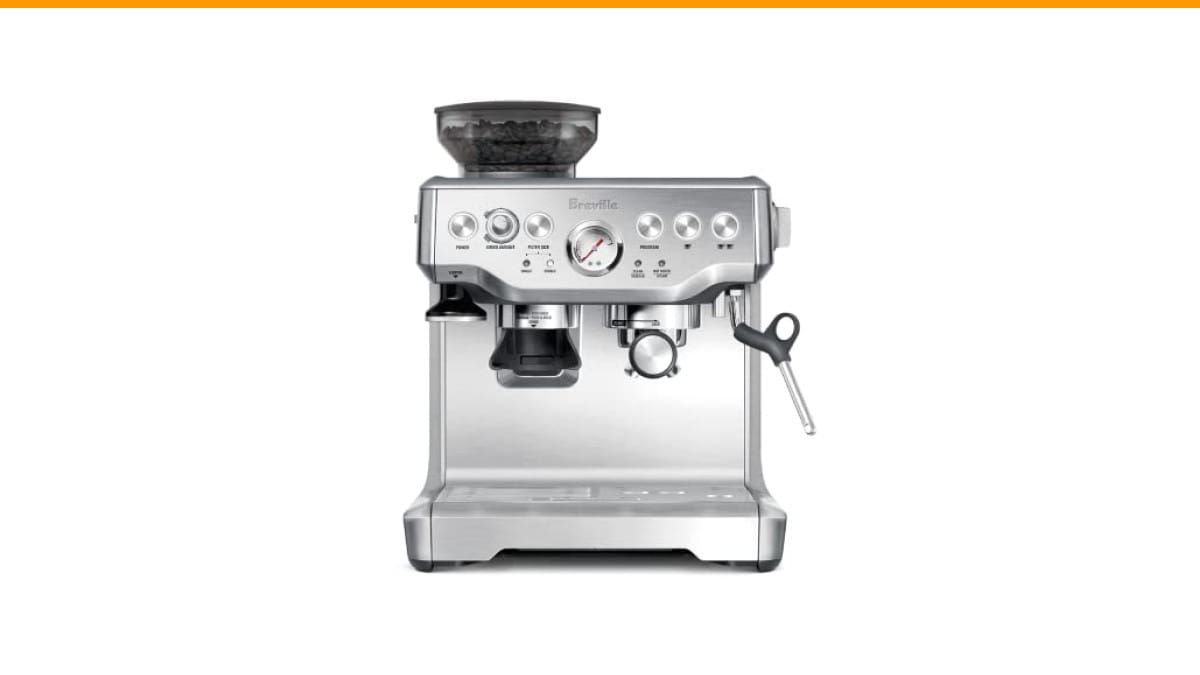
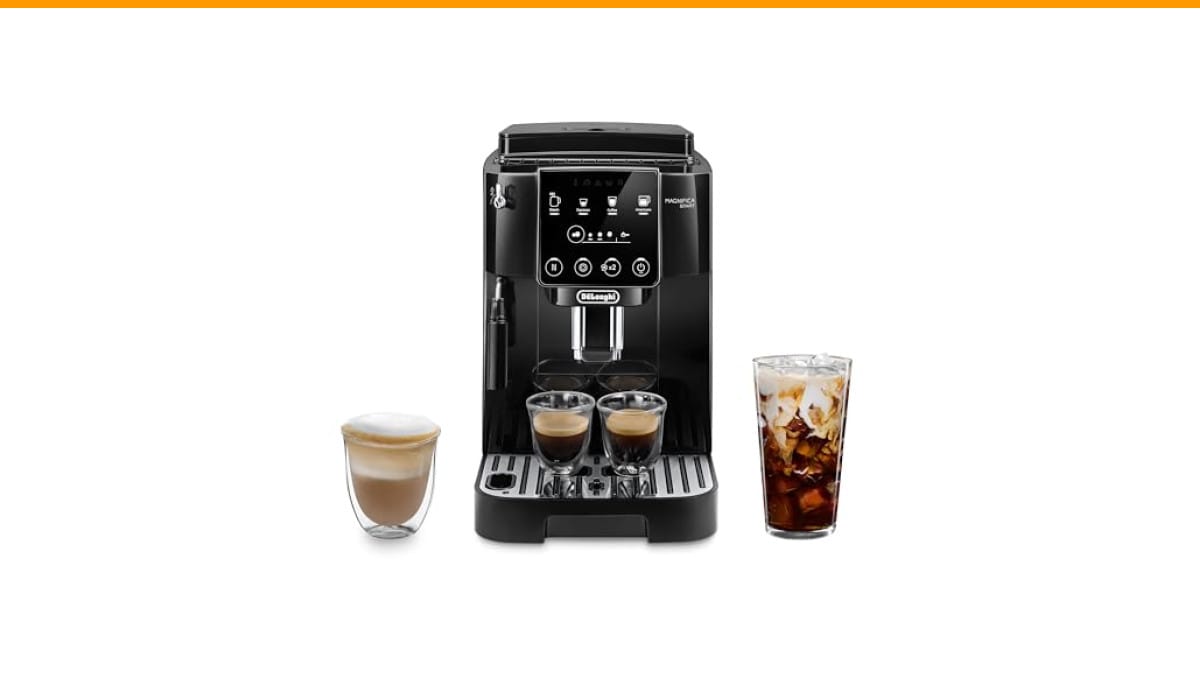
Factory reset steps vary by brand, but the general pattern is to hold a combination of buttons for several seconds. On many DeLonghi models, you hold the steam button and the espresso button together for 10 seconds. On Breville machines, you hold the power button and the program button. Check your manual for the exact combo, or look up your model online.
After a factory reset, the machine will ask you to set the water hardness level. Do not skip this step. Setting it wrong can cause future error codes. Most machines let you test water hardness with a test strip that came in the box. If you lost the strip, set it to medium (level 2 or 3) as a safe default.
Resetting the Descaling Cycle on Machines with Milk Frothers
This is the reset most people actually need. When your machine says “DESCALE” or flashes a red light, it is telling you the scale buildup has reached a threshold. The machine will not let you pull a shot until you run the descaling cycle.
Here is the catch: the descaling cycle on a machine with a milk frother is not the same as on a standard espresso machine. The milk frother has its own internal tubing that needs to be cleaned and rinsed. If you skip the milk frother cleaning step, the descaling cycle may not complete, and the machine will keep asking you to descale.
Follow these general steps for a descaling reset:
- Empty the water tank and fill it with a descaling solution mixed with water. Most brands recommend a 1:1 ratio. Check your machine’s manual for the exact mix.
- Remove the milk frother attachment. Some machines have a removable milk container; others have an integrated wand. If it is removable, take it off and clean it separately.
- Place a large container under the steam wand to catch the descaling solution.
- Run the descaling cycle as your machine directs. This usually involves turning the machine on while holding the descale button, then letting the solution run through the system.
- When the descale cycle finishes, empty the tank, rinse it, and fill it with fresh water.
- Run the rinse cycle twice to flush all descaling solution from the internal lines.
- Reattach the milk frother and run steam for 30 seconds to clear the wand.
After this, the machine should reset its descale counter automatically. If it does not, you may need to manually reset it by holding the descale button for 5 seconds. Check your manual.
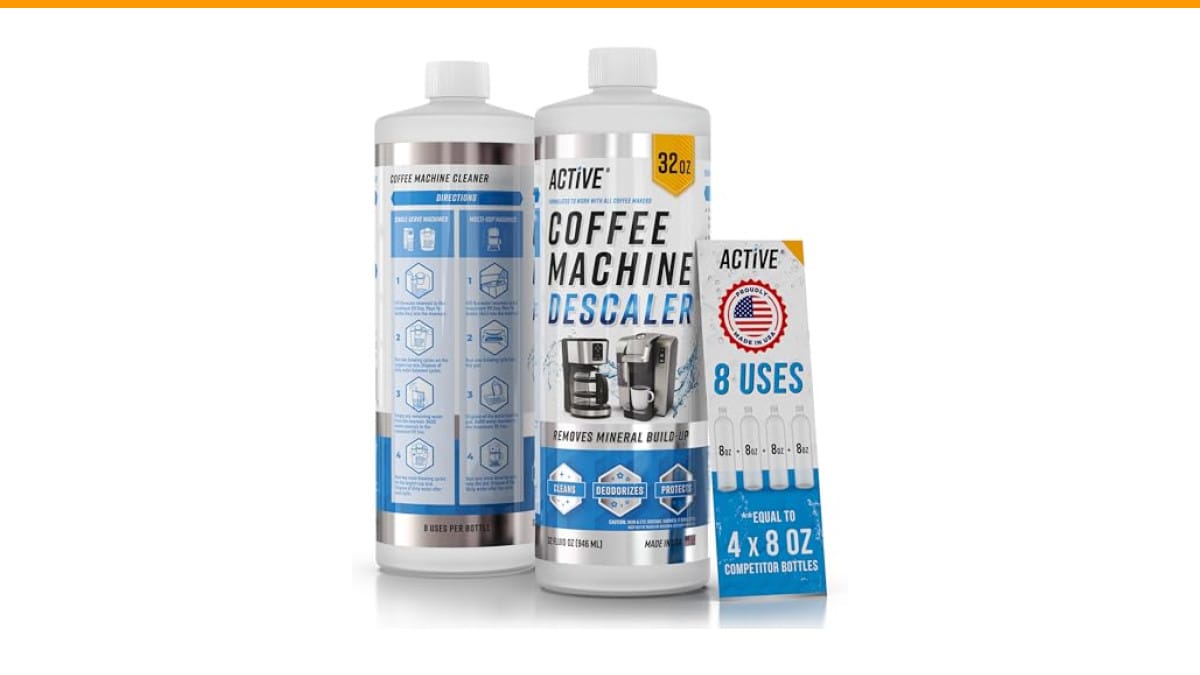
Using a quality descaler makes a big difference. We have tested the ACTIVE Coffee Machine Descaler and it works well across multiple brands. It is a citric acid formula that dissolves scale without damaging the internal seals. The 32-ounce bottle gives you eight descaling cycles, which is better value than the small single-use packets. It is compatible with most machines, including DeLonghi, Breville, and Jura.
Milk Frother Specific Resets and Error Codes
The milk frother itself can cause error codes that need a reset. Here are the common ones and how to handle them.
Error: No steam or weak steam. This is usually a clogged steam wand, not a software issue. Remove the wand tip and soak it in hot water with a little dish soap. Use a pin to clear the tiny holes. Rinse thoroughly and reattach. Run steam for 10 seconds to test.
Error: Milk frother not detected. This happens on machines with a removable milk container. The machine has a sensor that detects the container. If the sensor is dirty or the container is not seated properly, you get this error. Remove the container, clean the sensor area with a damp cloth, and reattach it firmly.
Error: Overheating. After frothing several drinks in a row, the machine may overheat and lock out. Wait 15 minutes for it to cool down. Do not try to reset it during this time. The machine will reset itself once the temperature drops.
If your machine is making a loud noise during operation, that is often a pump issue, not a reset issue. We have a guide on automatic espresso machine noise that covers this in detail.
Comparing Reset Methods: Which One Do You Need?
Not all resets are created equal. Here is a quick reference table to help you decide.
| Reset Type | What It Clears | Time Needed | When to Use |
|---|---|---|---|
| Soft Reset (Power Cycle) | Frozen display, temporary error codes | 1 minute | Machine is unresponsive or acting glitchy |
| Factory Reset | All settings, water hardness, custom programs | 5 minutes | Persistent errors after soft reset, selling the machine |
| Descaling Cycle Reset | Scale buildup, descale warning light | 30-45 minutes | Machine says DESCALE, weak steam, slow flow |
| Milk Frother Reset | Frother sensor errors, clogged wand | 10 minutes | Frother not detected, no steam from wand |
Start with the soft reset. If that does not fix it, move to the descaling cycle. Factory reset should be your last resort because it wipes all your custom settings.
What If the Reset Does Not Fix It?
Sometimes a reset is not enough. If you have tried a soft reset, a descaling cycle, and a factory reset, and the machine still shows an error, you are likely dealing with a hardware failure. Common culprits include a failed pump, a broken heating element, or a faulty control board.
Before you call a technician, check the water tank. Many machines have a sensor that detects when the tank is empty. If the sensor is stuck, the machine will not operate. Clean the sensor with a dry cloth and make sure the tank is seated correctly.
Also check the drip tray. Some machines have a float switch in the drip tray that stops operation when it is full. If the float is stuck, the machine thinks the tray is full. Empty the tray and clean the float mechanism.
If you have a leak, that is a different problem. A reset will not fix a leaking machine. You need to find the source of the leak. We have a guide on automatic espresso machine leaks that can help you diagnose it.
If you have tried all of this and the machine still fails, it may be time to consider a replacement. Machines with milk frothers are complex, and repair costs can approach the price of a new unit. Compare the cost of a repair against the cost of a new machine before you commit.
Frequently Asked Questions
How often should I reset my espresso machine?
You should not need to reset it on a regular schedule. A reset is a troubleshooting step, not a maintenance task. If you find yourself resetting the machine every week, you have an underlying issue that needs attention, usually scale buildup or a failing component.
Will a reset erase my milk frother settings?
A soft reset will not erase anything. A factory reset will erase all settings, including milk frother temperature and foam level preferences. You will need to set those again after a factory reset. Write down your preferred settings before you do a factory reset so you can restore them quickly.
Can I use vinegar instead of descaling solution?
You can, but I do not recommend it. Vinegar is acidic enough to dissolve scale, but it leaves a residue and a smell that lingers in the machine. It can also damage rubber seals over time. A dedicated descaler like the ACTIVE formula is designed to dissolve scale without harming internal parts. It costs a bit more, but it protects your investment. If you want to see the full comparison, check our guide on cleaning with vinegar.
Why does my machine still say descale after I ran the cycle?
This usually means the descaling cycle did not complete properly. The machine detects that the solution did not flow through the system at the correct rate. This can happen if the solution is too concentrated or if there is a blockage in the lines. Run the cycle again with fresh solution and make sure you follow the timing exactly.
Is it safe to use a descaling solution on a machine with a milk frother?
Yes, as long as you use a solution that is safe for espresso machines and you rinse thoroughly afterward. Some cheaper descalers are too aggressive and can damage the plastic parts in the milk frother. Stick with a reputable brand and follow the dilution instructions. Always run a full rinse cycle after descaling to remove all traces of the solution.
What to Remember for a Trouble-Free Machine
You now have the full picture on resetting your espresso machine with a milk frother. Here are the points that matter most.
- Start with a soft reset. Unplug, wait 60 seconds, plug back in. This fixes most glitches.
- Descale every 2-3 months, depending on your water hardness. This prevents most error codes.
- Use a quality descaler. The ACTIVE solution we mentioned handles eight cycles per bottle and works across brands.
- Clean the milk frother after every use. Milk residue clogs the wand and triggers sensor errors.
- Factory reset only as a last resort. It wipes your settings and takes time to reconfigure.
- If resets do not fix the problem, check the water tank sensor and the drip tray float. These are common hidden culprits.
- Consider the repair cost versus a new machine if hardware fails. A new machine might be the smarter buy.
Most espresso machine problems are not hardware failures. They are scale buildup, clogged wands, or a simple software hiccup. A reset, combined with a proper descaling routine, will keep your machine running for years. If you want to extend the life of your machine even further, our guide on coffee machine maintenance has practical tips you can start using today.
Products related to this article
Sponsored / affiliate links. As an Amazon Associate I earn from qualifying purchases. I may earn additional commission from eligible campaigns.
 Coffee Espresso Machine Handle Replacement Parts, Cafe Bracket Handle for Lidl Silvercrest CM4621 CM4218 KF5002 KF500S Barista (for 51mm Portafilter Basket - Not included)
 Linnkyfloa Coffee Espresso Maker Handle Replacement for Stovetop Moka Pot or Percolator, Black Plastic for Spare Part Compatible with Italian(9-12 Cup)
 Quick Heating Cup Warmer, Three Temperature Settings, Splashproof and Portable, for Coffee, Milk, Lightweight ABS Material