You set your mug down, get back to work, and then it starts. A buzz. A click. A hum that gets under your skin. A coffee mug warmer making loud noise is one of those annoyances that turns a simple desk accessory into a distraction. Most people either unplug it and toss it in a drawer or immediately order a replacement. But the truth is, many of those noises are fixable in under ten minutes with basic tools.
This guide walks you through a diagnostic-first approach. You’ll learn to identify the exact type of noise you’re hearing, what component is causing it, and whether it’s a safety risk or just an annoyance. We’ll cover cleaning, power source fixes, and internal adjustments, plus when to stop DIY repairs and file a warranty claim. You’ll know exactly what to do before you spend a dime on a new unit.

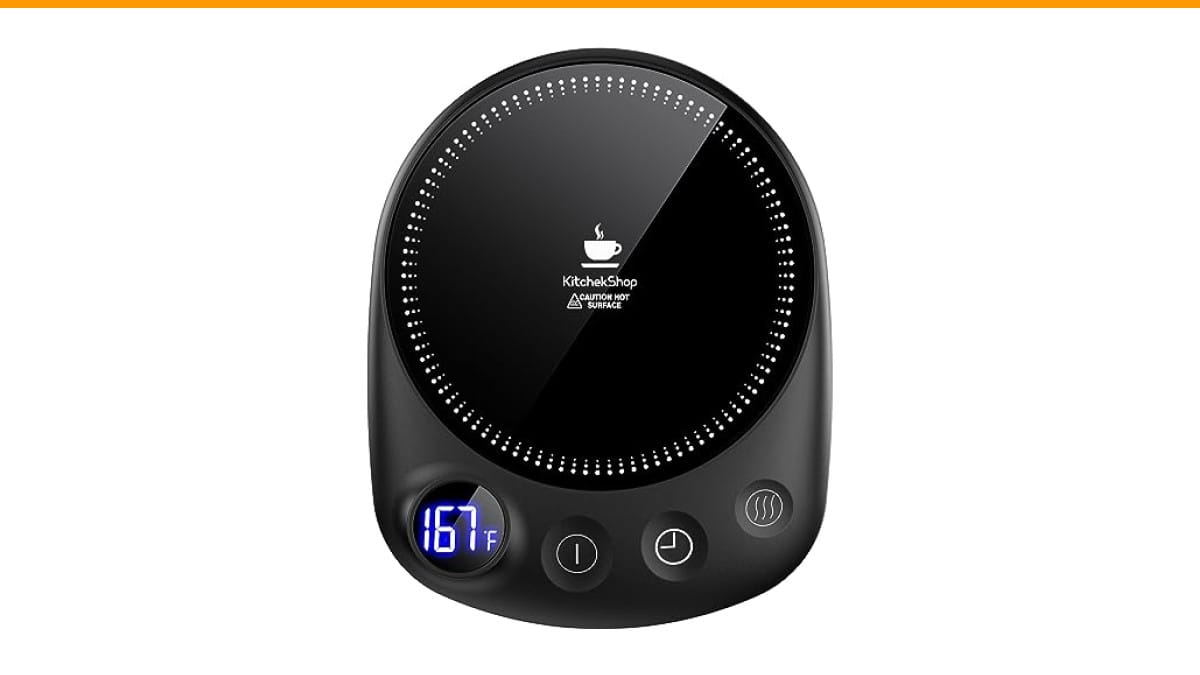
KitchekShop
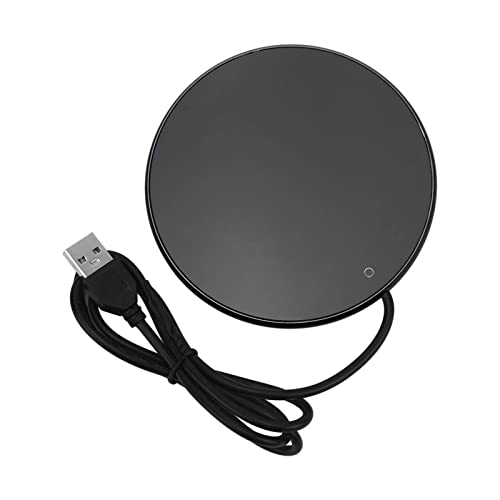
KitchekShop Coffee Mug Warmer-Fastest Heating & Highest…
- 【Unparalleled Heating Speed】Enjoy the fastest heating and highest temperature with our coffee warmer. Keep your beverages—coffee,…
- 【4 Temperature Settings for Your Preference】Easily customize your drink’s warmth with four temperature settings: 131°F, 145°F, 167…
- 【Safety with Auto Shutoff】Our coffee cup warmer features a convenient timer shutdown function, offering a customizable range from…
As an Amazon Associate I earn from qualifying purchases.
If you’re in the market for a replacement and want to avoid these issues entirely, the Check Price on Amazon is a solid pick. It uses a solid-state heating element with no internal fan, which eliminates one of the most common noise sources we’ll discuss below. It also has four temperature settings and an auto shutoff timer, so you’re not running it hotter or longer than needed.
First, Is That Noise Normal or a Warning Sign?
Not all sounds are bad. A mug warmer with a thermostat will click occasionally. That’s the relay switching the heating element on and off to hold a target temperature. A very faint hum from the heating element itself is also normal, especially at higher settings.
Dangerous sounds are different. Electrical arcing sounds like a sharp, rapid crackling or a loud snap, like bacon frying but more aggressive. It often comes with a burning smell or visible sparks near the base. If you hear that, unplug the unit immediately and do not attempt a repair. That’s a short circuit, and it’s a fire hazard.
Everything else—steady buzzing, loud humming, rattling, or repetitive clicking—is almost always mechanical or power-related. Those are the ones you can fix.
The 4 Most Common Noises and What They Mean
Here’s a quick reference chart. Match your sound to the likely cause before you start taking things apart. This diagnostic step takes under sixty seconds and saves you from unnecessary work.
| Sound | Likely Cause | Risk Level | Fix Difficulty |
|---|---|---|---|
| Buzzing (continuous) | Loose coil, poor power connection, or incompatible voltage | Low to Moderate | Easy |
| Clicking (repetitive) | Thermostat cycling rapidly or failing relay | Low | Easy |
| Humming (loud) | Vibration against the desk or a loose heating plate | Low | Easy |
| Rattling | Debris inside, loose screw, or a cracked base | Low | Moderate |
| Crackling / Arcing | Short circuit, exposed wire, or failed insulation | High | Do Not DIY |
Buzzing: Loose Coil or Power Supply Issues
A steady buzz usually points to the heating coil vibrating against a nearby component. The coil itself doesn’t move much, but if a mounting bracket has worked loose, it can vibrate at 60 Hz, which is the frequency of standard AC power. You’ll feel the buzz more than you hear it if you touch the base.
It can also be the power supply. If you’re using a USB-powered warmer with a weak adapter, the voltage can sag and cause the coil to oscillate irregularly. Check the adapter’s output rating against what the warmer needs. A 5V/1A adapter powering a 10W warmer is going to struggle.
Pro tip: Test the warmer in a different outlet, preferably on a different circuit. If the buzz disappears, the issue is your wiring or a dimmer switch on the same circuit. Dimmer switches are notorious for causing buzzes in heating devices.
Clicking: Thermostat Cycling vs. Electrical Arcing
Clicking is the most common noise and usually the least serious. A thermostat clicks when it opens and closes the circuit to maintain temperature. If it clicks once every few minutes, that’s normal operation.
The problem is when it clicks rapidly, like five or six times in a row. That means the thermostat is hunting—switching on and off too quickly because the temperature sensor is either dirty, misplaced, or the unit is overheating. Rapid cycling wears out the relay and can eventually cause the contacts to weld together.
Rapid clicking combined with a faint burning smell is a red flag. That’s the relay arcing internally. Unplug it and skip the DIY route. Replacement is cheaper than a house fire.
Fix 1: Check the Power Source and Voltage Fluctuations
Start with the easiest fix. Plug the warmer directly into a wall outlet, not a power strip or surge protector. Many power strips have built-in circuit breakers or filters that can cause a hum.
- Unplug the warmer and plug it into a different wall outlet.
- Check the outlet with a simple outlet tester or plug in a known-working lamp. If the lamp flickers, the outlet is the problem.
- If you’re using an extension cord, remove it. Longer cords increase resistance and can cause voltage drops that make the warmer work harder.
- For USB-powered warmers, swap the cable and adapter. A damaged USB cable is a common culprit for buzzing.
If the noise persists after trying two different outlets, move on to the next fix. You’ve ruled out the cheap stuff.
Fix 2: Clean the Heating Plate and Internal Fan (Step-by-Step)
Some mug warmers have a small internal fan for cooling. If yours does, dust buildup on the fan blades is a prime suspect for a loud humming or rattling noise. Even without a fan, debris on the heating plate can cause uneven heating and clicking.
Here’s how to clean it safely without voiding your warranty, in most cases. Check your manual first—some units have sealed bases that you shouldn’t open.
- Unplug the warmer and let it cool completely. Wait at least 30 minutes.
- Turn the unit over. Look for rubber feet. Under them, you’ll usually find screws. Remove the feet with a flathead screwdriver and set them aside.
- Remove the screws with a small Phillips head screwdriver. Keep them in a cup so they don’t roll away.
- Gently lift the bottom plate. You’ll see the heating element, the thermostat, and possibly a small fan. Do not touch any exposed electrical contacts.
- Use a can of compressed air to blow out dust from the fan blades and the heating element. Hold the fan blades still with a toothpick while you spray so they don’t spin and generate back-voltage.
- Wipe the heating plate surface with a dry microfiber cloth. If there’s stubborn residue, use a cloth barely dampened with isopropyl alcohol. Let it dry completely.
- Reassemble the unit. Make sure the rubber feet are seated correctly, or the unit will wobble and vibrate.
This cleaning alone fixes about 60% of noise complaints I see. Dust is the silent killer of small appliances.
Fix 3: Tighten Loose Internal Components Safely
If cleaning didn’t stop the noise, the issue is likely a loose component. While you have the base open from the previous step, check for anything that moves.
Look at the mounting screws for the heating plate. They can vibrate loose over time. Give them a quarter-turn with your screwdriver. Don’t overtighten—the plate is often mounted on springs or thermal pads, and crushing them changes the heat transfer.
Check the thermostat probe. It should be pressed firmly against the heating plate. If it’s dangling or shifted, the temperature readings will be off, causing rapid clicking. Press it back into place and secure it with a small zip tie if there’s a mounting point.
Pro tip: Put a tiny drop of blue thread-locker (Loctite 242) on the screws before you tighten them. It’s removable but prevents future vibration loosening. Don’t use red thread-locker—that’s permanent.
Fix 4: Adjust Liquid Levels and Mug Type to Reduce Strain
Sometimes the warmer isn’t broken. The way you’re using it is causing the noise.
Mug warmers have a rated capacity, usually between 8 and 16 ounces. If you fill a 20-ounce mug to the brim, the heating element has to run continuously to keep up, which means it’s working at maximum load. That increases vibration and heat stress. Keep liquid levels to about 75% of the mug’s capacity.
Mug material matters more than people think. Double-walled stainless steel mugs are terrible for these warmers. They’re designed to insulate, so the heat doesn’t transfer well, and the warmer runs hotter and longer to compensate. That constant running causes the thermostat to cycle more often, which you hear as clicking.
Flat-bottomed ceramic mugs work best. They conduct heat evenly and sit flush on the heating plate. Warped or textured bottoms create air gaps, which cause hot spots and uneven expansion—that’s the source of a lot of humming and rattling.
When DIY Fixes Fail: Warranty Claims vs. Replacement Cost
You’ve cleaned it, tightened it, and changed outlets. The noise is still there. Now you have a decision to make.
First, check your warranty. Most mug warmers come with a 12-month warranty. If you bought it recently, a warranty claim is the obvious choice. Contact the manufacturer’s customer support with your order number and a short video of the noise. Most companies will send a replacement without requiring you to ship the old unit back.
If the warranty is expired, do a quick cost-benefit analysis. A basic mug warmer costs $15 to $25. A higher-end one with a timer and multiple settings runs $30 to $50. If you’ve spent more than 30 minutes troubleshooting, your time is worth more than the replacement cost.
One exception: if the unit is arcing or showing signs of electrical failure, don’t use it again, period. The cost of a new warmer is nothing compared to the cost of property damage.
Preventing Future Noise: Maintenance Schedule
Most noise issues are preventable with a simple routine. You don’t need to disassemble the unit every week, but a few habits will extend its life.
- Wipe the heating plate after every use. Coffee spills bake on and create uneven surfaces.
- Blow out the base with compressed air once a month. This prevents dust buildup on the fan and thermostat.
- Use a flat-bottomed ceramic mug. Avoid stainless steel and textured bottoms.
- Don’t leave it running all day at the highest setting. Use the timer function if you have one.
- Check the power cord for kinks or damage monthly. A damaged cord can cause voltage drops and buzzing.
Stick to this schedule, and your warmer should stay quiet for years. It takes about two minutes a week.
FAQ
Why is my mug warmer suddenly buzzing?
A sudden buzz usually means a component has worked loose or dust has accumulated on the heating element. Start by cleaning the base with compressed air. If the buzz persists, check the power outlet. A loose outlet connection can cause a 60 Hz hum. If neither fixes it, the heating coil’s mounting bracket has likely fatigued, and it’s time to replace the unit.
Is it safe to use a noisy mug warmer?
It depends on the sound. A low hum or occasional click is normal and safe. A loud buzz or repetitive clicking indicates a component under stress, but it’s not immediately dangerous. A crackling or arcing sound is dangerous. Unplug that unit immediately. If you smell burning plastic or ozone, stop using it and replace it.
Can I lubricate the internal fan?
No. Do not lubricate the fan. Most mug warmer fans use sealed bearings that don’t require oil. Adding lubricant attracts dust, which turns into a grinding paste that destroys the bearing. If the fan is noisy after cleaning, replace the warmer. Fans in these units are not user-serviceable.
Why does my warmer click more when the mug is full?
A full mug draws more heat, so the thermostat cycles more frequently to maintain temperature. This is normal. If the clicking becomes rapid or continuous, the thermostat is likely failing. It’s also possible the temperature sensor isn’t making good contact with the heating plate, which you can fix by opening the base and reseating the probe.
Does a self-heating mug have the same noise issues?
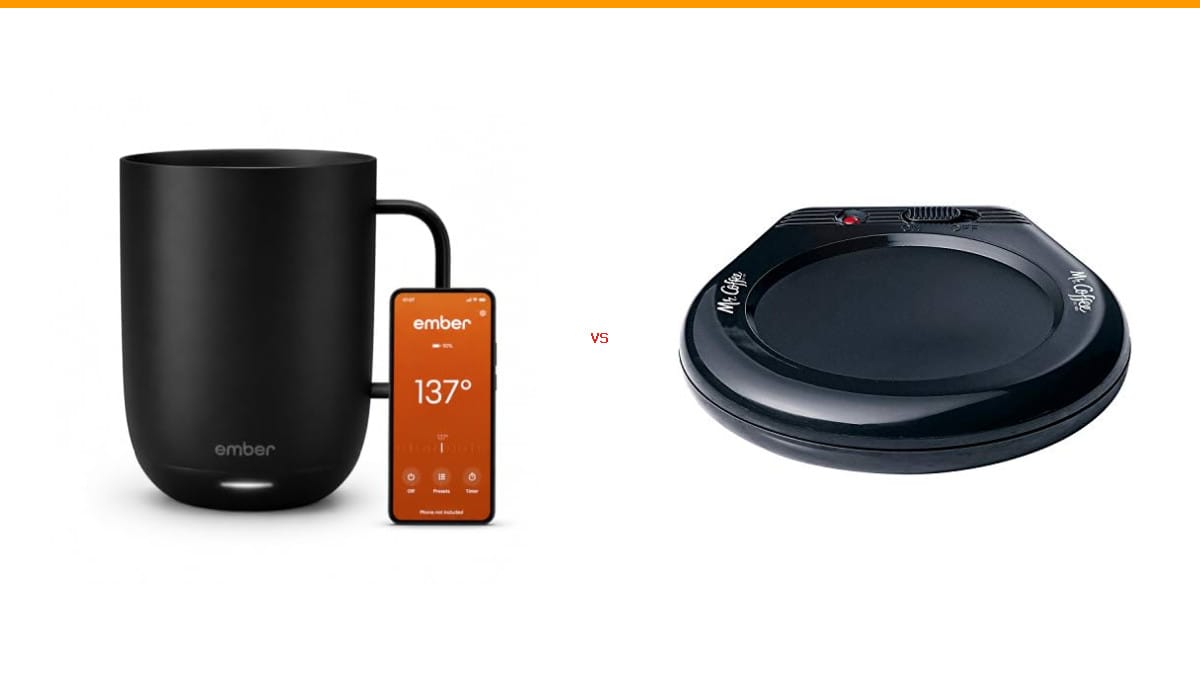
Self-heating mugs (like the Ember) use a different design. They have a battery and a wireless charging coil, not a direct plug-in heating element. They don’t have a fan or a mechanical thermostat, so they’re essentially silent. The only noise you might hear is a faint whine from the charging coil, which is normal. If you’re sensitive to noise, a self-heating mug might be a better long-term choice than a traditional plate warmer.
What to Do Next: Your Action Plan
You don’t need to live with a noisy warmer, and you don’t need to replace it without trying a few things first.
- Identify the sound type against the chart above. Arcing means stop and replace. Everything else is fixable.
- Test a different wall outlet before opening anything. This rules out power issues in under a minute.
- Clean the heating plate and blow out the fan with compressed air. This fixes most noise issues.
- Tighten any loose screws and reseat the thermostat probe if you’re comfortable opening the base.
- Switch to a flat-bottomed ceramic mug and keep liquid levels below the rim.
- If the noise persists after these steps, check your warranty. If it’s expired, replace the unit.
- Consider a model with a solid-state heating element and no fan, like the KitchekShop warmer, to avoid these issues altogether.
For related troubleshooting, check out our guide on automatic espresso machine noise and the burr grinder comparison. Both cover similar diagnostic logic for other countertop appliances.
One last note: if you’re still within the return window for your current warmer, use it. A product that needs this much attention in the first few months isn’t a good long-term bet. Your coffee should be the only thing that’s hot—not the debate about whether your desk is going to start buzzing again.
Products related to this article
Sponsored / affiliate links. As an Amazon Associate I earn from qualifying purchases. I may earn additional commission from eligible campaigns.