Your super automatic espresso machine was working fine yesterday. This morning it flashes a red light, grinds twice, then stops. Or maybe the water pressure sounds wrong, or the shot pulls bitter no matter what you do. Before you call a repair shop or start shopping for a new machine, try a reset. It sounds too simple, but a reset fixes a surprising number of problems — from stuck error codes to inconsistent brew pressure.
This guide walks you through every type of reset: the quick power cycle, the soft reset, the full factory reset, and the descaling cycle that often gets mistaken for a reset. You’ll also learn when each one is appropriate, what to do if the reset doesn’t work, and how to prevent the problem from coming back. No guesswork, no jargon — just the steps that actually work on machines from Breville, Jura, De’Longhi, Philips, and Gaggia.

Tillbrook
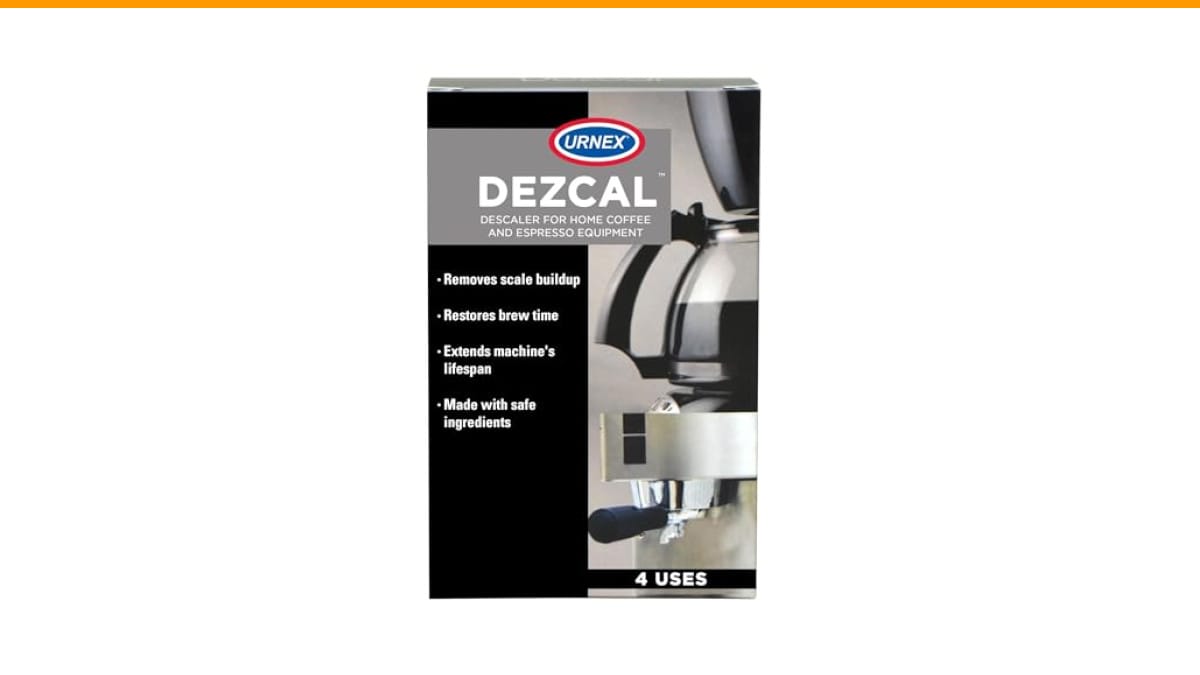
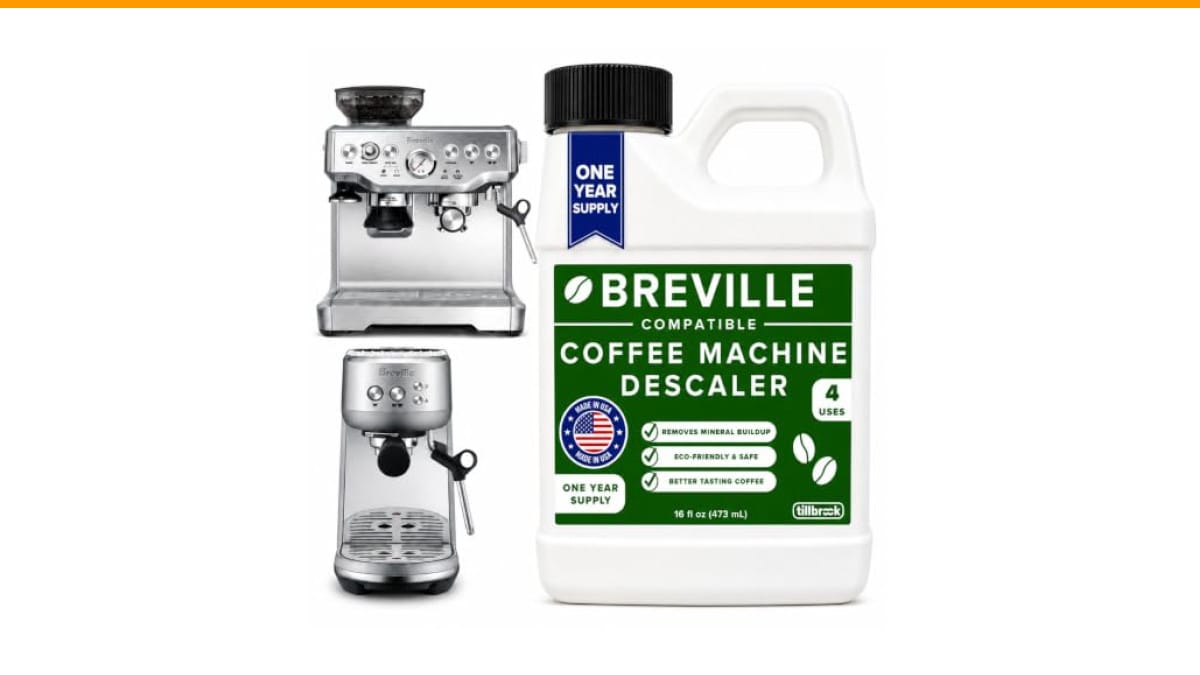
Breville Espresso Machine Compatible Descaler, 4 Uses,…
- EXCEPTIONAL RESULTS: Introducing Tillbrook Coffee Machine Descaler specifically formulated for Breville—the best choice for removi…
- 1 YEAR SUPPLY: Our concentrated formula is easy to use and provides remarkable value with 4 cleanings per bottle. Simply add 1/2 c…
- SCIENTIFICALLY ENGINEERED: Our advanced descaling solution is carefully crafted with powerful, all-natural ingredients that remove…
As an Amazon Associate I earn from qualifying purchases.
One quick note before we dive in: if your machine is due for a descale, a reset won’t help until you clear the scale first. A good descaling solution makes a real difference here. We’ve been using Tillbrook's Breville-compatible descaler in our shop — it’s a concentrated formula that handles four cleanings per bottle, and it’s tested on most major brands, not just Breville. It removes the mineral buildup that causes pressure errors and temperature fluctuations in the first place.
Why Your Machine Needs a Reset (And When It Doesn’t)
Super automatic machines are basically small computers with a boiler attached. Like any computer, they get confused. A reset clears the memory, recalibrates the sensors, and forces the machine to re-establish its baseline settings. Most manufacturers recommend a reset after any of these situations:
- Error codes that won’t clear — a flashing red light or an error message that persists after you’ve fixed the obvious issue (empty drip tray, filled bean hopper, etc.)
- Inconsistent shot quality — the machine pulls a good shot, then a weak one, then a bitter one, with no change in your beans or grind settings
- After a descaling cycle — many machines need a reset to clear the “descaling required” flag and return to normal operation
- After a power outage or surge — voltage fluctuations can corrupt the machine’s memory settings
- Before selling or giving away the machine — a factory reset wipes your personal settings and returns it to out-of-box condition
But here’s the thing: a reset won’t fix a mechanical issue. If the grinder is jammed, the pump is dead, or the brew group is clogged with old coffee oils, resetting the software won’t help. You need to clean or repair those parts first. Check the obvious stuff — empty the drip tray, refill the water tank, make sure the bean hopper isn’t empty — before you go through the reset process.
The Quick Reset: Power Cycle (30 Seconds)
This is the first thing to try, and it works more often than you’d think. A power cycle clears minor glitches and forces the machine to reinitialize its sensors. Here’s how to do it properly — not just by flipping the switch off and on.
- Turn the machine off using the power button.
- Unplug it from the wall outlet. Don’t skip this step — unplugging ensures the capacitors fully discharge.
- Wait at least 30 seconds. A full minute is better. This gives the internal memory time to clear.
- Plug the machine back in and turn it on.
- Wait for the machine to complete its startup cycle. This can take 30 to 60 seconds on most super automatics.
After the startup cycle finishes, try pulling a shot. If the error code is gone and the coffee tastes normal, you’re done. If the problem persists, move on to the soft reset.
The Soft Reset: Restore Default Settings (Without Wiping Saved Profiles)
Most super automatic machines have a menu option that restores factory defaults without erasing your saved drink profiles. This is the “soft reset” — it clears the machine’s internal settings (like temperature, water hardness, and brew strength) but keeps your personal drink recipes intact. The exact steps vary by brand, but the general process looks like this:
- Breville (Oracle, Barista Touch, etc.): Press and hold the power button for 10 seconds until the machine beeps, then release. Or navigate to Settings > Factory Reset on the touchscreen.
- Jura (E8, E6, S8, etc.): Press the “Standby” button and hold it for about 10 seconds until the display shows “Reset to factory settings.” Confirm with the rotary dial.
- De’Longhi (Magnifica, Dinamica, etc.): Press and hold the “OK” button for 5 seconds, then navigate to Menu > Settings > Reset.
- Philips (3200, 4300, etc.): Press and hold the “Back” and “OK” buttons simultaneously for 3 seconds, then select “Factory reset” from the menu.
- Gaggia (Accademia, Babila, etc.): Press the “Menu” button, scroll to “Reset,” and confirm.
If you can’t find the reset option in your machine’s menu, check the manual. The exact location varies by model year, and some older machines require a specific button combination. A quick Google search for your model number plus “factory reset” will usually get you the precise steps.
The Full Factory Reset: Wipe Everything (Use This Last)
A full factory reset is the nuclear option. It wipes all your saved profiles, custom drink settings, and preferences, returning the machine to its original out-of-box state. Use this only if the soft reset didn’t work, or if you’re selling the machine and want to remove your personal data.
The factory reset process is similar to the soft reset, but it’s usually located deeper in the menu system. On most machines, you’ll find it under Settings > Maintenance > Factory Reset, or Settings > System > Reset. Some machines require you to confirm the reset twice — once to select it, once to confirm you understand it will erase everything.
Here’s what to expect after a full factory reset:
- The machine will restart automatically and run through its initial setup wizard.
- You’ll need to set the language, time, and water hardness again.
- Your saved drink profiles will be gone. You’ll need to recreate them.
- The machine may prompt you to run a cleaning or descaling cycle before first use.
One thing I’ve learned the hard way: write down your water hardness level before you reset. Most machines ask for this during setup, and if you don’t know your local water hardness, you’ll be guessing. You can usually find this information on your municipal water utility’s website, or use a simple test strip.
When a Reset Won’t Work: The Descaling Cycle
Here’s the scenario that trips up most owners: the machine says “Descale” or “Calc Clean,” you run the descaling cycle, but the message won’t go away. You’ve done everything right — you used the descaler, you followed the steps — but the machine still insists it needs descaling. In this case, the machine’s sensor might still be detecting scale, or the descaling cycle was interrupted before it fully completed.
First, make sure you actually ran a complete cycle. A descaling cycle takes 20 to 40 minutes, and most machines won’t clear the warning until the cycle finishes all the way through. If you stopped it halfway because you were in a hurry, run it again.
Second, check whether your machine uses a filter. Many super automatics have a water filter that needs replacing every 2-3 months. If the filter is old or clogged, the machine may still detect hard water even after descaling. Replace the filter and run the descaling cycle again.
Third, if the message persists after a full descale and a filter change, try the factory reset. Some machines need a reset to clear the descaling flag after the cycle completes. This is a known quirk on several De’Longhi and Philips models.
If you’re still stuck, the issue may be a faulty sensor or a calcified boiler. At that point, it’s worth calling a technician. Descaling can only remove scale that the solution actually reaches — if the scale has built up inside the boiler or the brew group, it may need professional cleaning.
| Problem | Best Reset Method | Time Needed | What It Clears |
|---|---|---|---|
| Random glitch, no error code | Power cycle | 1-2 minutes | Minor memory glitches, sensor confusion |
| Error code after fixing obvious issue | Soft reset | 2-5 minutes | Settings, error flags, saved preferences |
| Descaling message won’t clear | Descale + factory reset | 30-45 minutes | Scale buildup, descaling flag, all settings |
| Selling or giving away the machine | Full factory reset | 5-10 minutes | All personal data, profiles, and settings |
| Mechanical issue (grinder jam, pump failure) | Reset won’t help | N/A | Requires physical repair |
Frequently Asked Questions
How often should I reset my super automatic espresso machine?
Only when you have a problem. There’s no maintenance benefit to resetting a machine that’s working fine. If you’re resetting regularly to fix the same issue, you have an underlying problem — likely scale buildup or a dirty brew group — that needs addressing. Check our guide on coffee machine maintenance for prevention tips.
Will a reset fix a machine that’s leaking water?
No. A reset won’t fix a physical leak. Leaks are almost always caused by a worn seal, a cracked hose, or a loose connection. A reset might clear an error code that’s related to the leak, but the leak itself needs a physical repair. See our troubleshooting guide for leaking super automatic machines.
Does a factory reset remove the need to descale?
No. A factory reset clears the machine’s memory, but it doesn’t remove scale from the internal components. If the machine is due for a descale, you still need to run the descaling cycle. In fact, resetting a machine that needs descaling can make things worse, because the machine may stop reminding you to descale while the scale continues to build up.
My machine is making a loud noise. Will a reset help?
It depends on the noise. If the machine is making a grinding or rattling sound, that’s likely a mechanical issue — a jammed grinder or a loose part — and a reset won’t fix it. If the noise is accompanied by an error code, a reset might clear the error and stop the noise. Check our guide on loud super automatic machines for more specific diagnosis.
How do I know which reset method to use?
Start with the power cycle. If that doesn’t work, try the soft reset. If the problem persists, do a full factory reset. If the machine is still misbehaving after a factory reset, the issue is likely mechanical or scale-related, not software-related. At that point, descale the machine thoroughly, and if the problem continues, contact a technician.
What to Do After a Successful Reset
Once your machine is back to normal, take a few minutes to set it up properly. This prevents most problems from coming back:
- Set the water hardness level correctly. This tells the machine how often to prompt for descaling.
- Install a fresh water filter if your machine uses one. Replace it every 2-3 months.
- Run a cleaning cycle on the brew group. A clean brew group is essential for consistent shots.
- Use filtered or bottled water if your tap water is hard. This dramatically reduces scale buildup.
- Descale every 3-4 months, or whenever the machine prompts you. Don’t wait until the warning becomes urgent.
- Keep a small notebook or note on your phone with the date of your last descale and filter change.
These steps sound basic, but they’re the difference between a machine that lasts 10 years and one that dies at 3. The reset is a tool, not a fix — it’s most useful when you combine it with a proper maintenance routine.
If you’re still having trouble after a reset, or if you’re dealing with persistent error codes, our flashing light troubleshooting guide covers similar issues on pod machines, and the logic applies to super automatics too. And if you’re wondering whether a super automatic is worth the hassle in the first place, our comparison of automatic vs. semi-automatic machines breaks down the trade-offs.
Products related to this article
Sponsored / affiliate links. As an Amazon Associate I earn from qualifying purchases. I may earn additional commission from eligible campaigns.
 Coffee Espresso Machine Handle Replacement Parts, Cafe Bracket Handle for Lidl Silvercrest CM4621 CM4218 KF5002 KF500S Barista (for 51mm Portafilter Basket - Not included)
 850W Electric Meat Cutter Machine,Automatic 5mm Meat Slicer Machine with Water Pressure Gun,Stainless Steel Slicing Shredding Dicing Machine for Pork Chicken Fish, 5mm/0.2in Meat Thickness850W Electric Meat Cutter Machine,Automatic 3.5mm Meat Slicer Machine with Water Pressure Gun,Stainless Steel Slicing Shredding Dicing Machine for Pork Chicken Fish (3.5mm/0.14in)