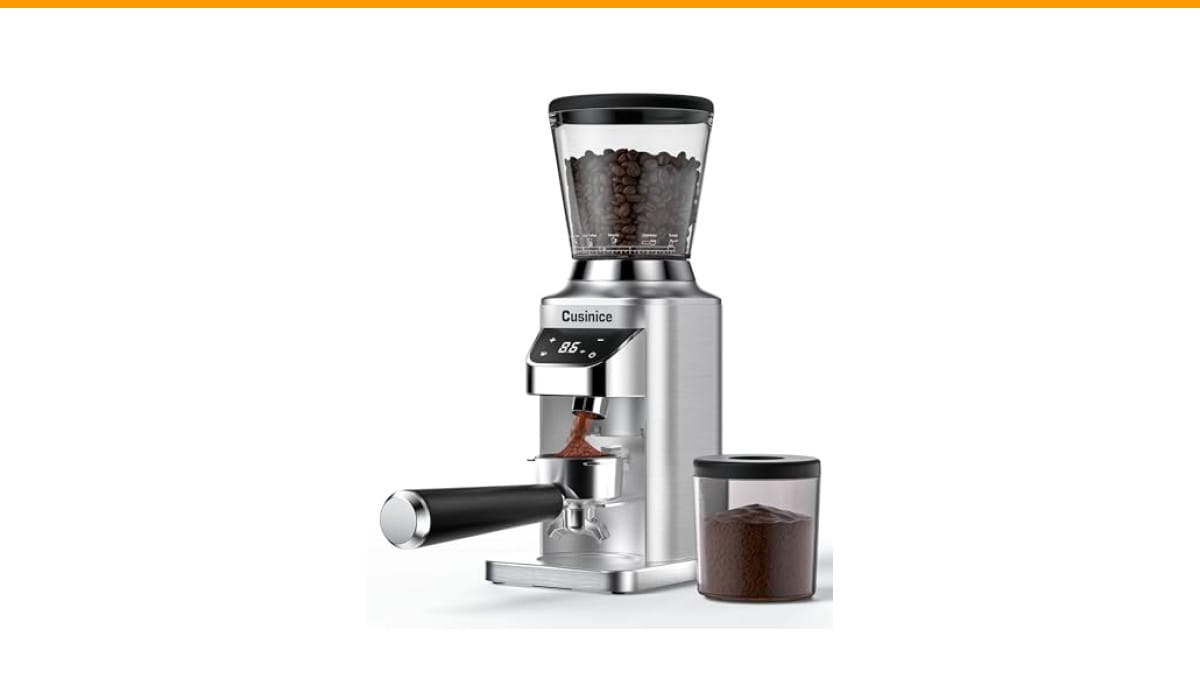
You touch the side of your grinder after a fresh batch of beans and it feels like a warm mug of tea. A little heat is normal. But when the motor starts humming, the body gets hot to the touch, and the grounds come out clumpy or inconsistent, you have a problem. Most people panic and assume they need a new machine. Often, they don’t.
This guide walks you through a simple diagnostic flow. You will learn what temperature is safe, what causes friction, and exactly how to fix the three most common culprits. You will also know when the damage is permanent and it is time to shop for a replacement. No guesswork, no unnecessary disassembly.
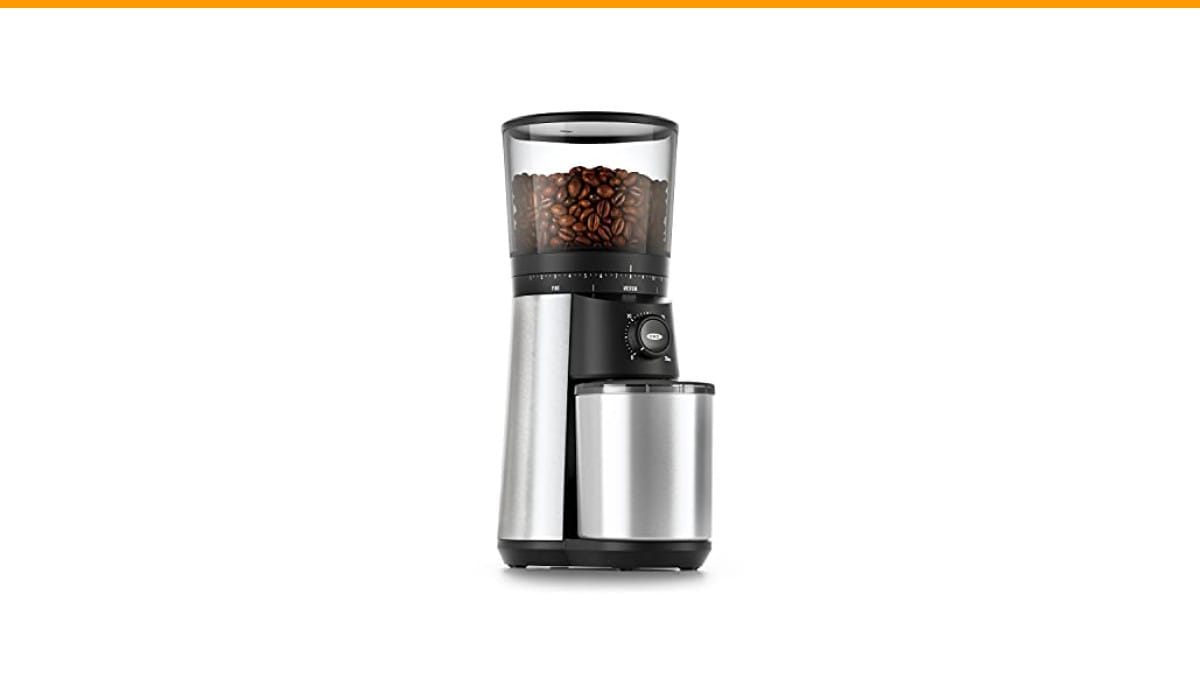
For most home setups, a solid conical burr grinder handles daily use without drama. The OXO Brew Conical Burr Grinder is a good example of a machine built with 40mm stainless steel burrs and a motor that manages heat well for typical households. It is not a commercial workhorse, but it is reliable for a few cups a day.
Is Your Grinder Hot or Broken? Diagnosing the Real Issue
Before you unscrew anything, stop and answer three questions. Does it still grind? Is the sound normal or a strained hum? How hot is the surface? Your answers determine the next step.
If the grinder still produces coffee but feels warm, you likely have a friction issue, not an electrical failure. If it hums but the burrs do not spin, you have a jam or a stripped gear. If it is silent and dead, check the power supply and thermal cutoff first.
Work through this order. Do not skip ahead. Most people waste an hour taking apart a hopper sensor when the real issue was a clogged chute.
Normal Warmth vs. Dangerous Overheating (Temperature Guide)
You need a reference point. Room temperature is usually 20-22°C (68-72°F). A grinder running for 30 seconds will naturally reach about 35-40°C (95-105°F) on the outer casing. That is fine. You can hold your hand on it comfortably.
Danger starts above 50°C (122°F). At that point, the motor housing is hot to the touch, and you cannot keep your palm on it for more than a few seconds. If the grinder reaches 60°C (140°F) or higher, the thermal overload protection may trip, or you risk melting internal plastic gears.
| Surface Temp | What It Means | Action Needed |
|---|---|---|
| 25-40°C (77-104°F) | Normal operational warmth from friction | None, keep grinding |
| 41-50°C (105-122°F) | Warm but acceptable for longer sessions | Let it cool 5 minutes between batches |
| 51-60°C (123-140°F) | Overheating, motor strain, possible thermal cutoff | Stop use, inspect for jams or dull burrs |
| 60°C+ (140°F+) | Critical failure risk, burnt smell likely | Unplug, wait 30 minutes, test thermal cutoff |
Use an instant-read kitchen thermometer if you have one. If not, your hand is a decent judge. If you flinch, it is too hot.
The Science of Heat: Why Burrs Generate Friction
Heat does not come from the motor alone. The burrs themselves generate friction as they crush beans. Two metal discs spinning at hundreds of RPM against hard coffee beans produce thermal energy. That is physics, not a defect.
Dark roast beans are the worst offenders. They are more brittle and oily. The oil coats the burrs, creating a paste that slows the grinding action. The motor works harder to push through that paste, drawing more current and generating more heat.
Light roasts are harder and denser. They require more torque to crack, which also heats the motor. So you trade oil for density. Either way, continuous grinding without a break is the fastest way to push your grinder into the danger zone.
The Oily Bean Clog
You buy a bag of fresh dark roast. It smells incredible. You pour it in and grind a full hopper for French press. Halfway through, the grinder slows down. That is the oily residue building up on the burr edges and in the chute.
This is the most common cause of a coffee burr grinder not heating issue that is actually a clog. The fix is simple. Empty the hopper, run a few tablespoons of dry white rice through the grinder, then run a brush through the chute. The rice absorbs the oil and pushes out the residue. You can also use commercial grinder cleaning tablets.
The Foreign Object Jam
A tiny pebble from a poorly sorted batch of beans, or a stray coffee bean that got stuck between the burrs, will stop the rotor. The motor keeps trying to turn, drawing high current, and the casing heats up fast.
Unplug the machine. Remove the hopper and the upper burr. Look inside the grinding chamber. You will likely see the offending object wedged between the burr teeth. Pry it out gently with a toothpick. Do not use metal tools that can scratch the burr alignment surface.
The Worn Motor and Thermal Cutoff
Every motor has a lifespan. If you have used the same grinder daily for five years, the brushes may be worn. A worn motor draws more current and runs hotter. It also makes a distinct whining sound compared to a healthy motor.
Most grinders include a thermal cutoff switch. This is a safety device that breaks the electrical circuit when the motor exceeds a set temperature, usually around 80-90°C. It is not a fuse; it resets. But it only resets after the motor cools down, which can take 20-30 minutes.
If your grinder was hot, then suddenly stopped working, and now it is cool but still dead, you likely have a tripped thermal cutoff or a blown fuse. Check the power cord and outlet first. Then look for a small reset button on the bottom or back of the unit. Press it once and try again.
Step-by-Step Fix: From Cool Down to Reset Button
Follow this sequence exactly. It saves time and prevents accidental damage.
- Unplug the grinder. Wait at least 30 minutes for full cool down. Do not attempt any work on a hot motor.
- Empty the hopper. Remove all beans. Check the hopper sensor area for any stuck beans that might block the safety interlock.
- Remove the upper burr. Most models have a twist-lock mechanism. Inspect the burr teeth for dull spots, chips, or caked-on coffee oil.
- Clean the burr chamber. Use the brush that came with the grinder. Clear the chute and the area around the lower burr.
- Check for jams. Spin the lower burr by hand. It should rotate freely. If it catches, look for a foreign object.
- Reassemble and test. Plug it in. Run it without beans for 5 seconds. Listen for a smooth motor hum, not a grinding squeal.
- If it does not turn on, locate the thermal cutoff reset button. It is often a small red or black button near the power cord entry point. Press it firmly.
If the motor hums but the burrs do not move, you have a stripped gear or a broken drive shaft. That is a mechanical failure, not a heat issue. You will need to replace the gear assembly or the grinder itself.
How to Prevent Heat Buildup (Cool-Down Cycles & Cleaning)
Prevention is easier than repair. Adopt a simple rule: for every 30 seconds of continuous grinding, let the grinder rest for 60 seconds. This cool-down cycle is critical for espresso, where you might grind for 15-20 seconds at a time. For French press, where you grind for 45 seconds straight, split the batch into two halves with a 30-second pause in between.
Clean the burrs every two weeks if you use dark roasts, monthly for light roasts. A quick brush-out takes two minutes. A full rice-cleaning takes five. This prevents the oil buildup that causes the motor to strain.
Also, check your ambient room temperature. If your kitchen is already 30°C (86°F) in summer, the grinder has less ability to dissipate heat. Move it away from the stove or direct sunlight. Give it breathing room on the counter; do not box it in a cabinet.
When to Repair vs. Replace Your Grinder
Not every problem is worth fixing. If you have a $50 blade grinder, a motor failure is a death sentence. If you have a $150 burr grinder, replacing a stripped gear or a worn burr set is often worth it.
Consider repair if: the burrs are dull but replaceable, the gear is stripped but parts are available, or the thermal cutoff keeps tripping due to a simple clog you can fix. These repairs cost $20-40 in parts and an hour of your time.
Consider replacement if: the motor itself is burnt out (smell of burning plastic), the casing is cracked, or the burr alignment is permanently off. A misaligned burr will produce inconsistent grounds no matter how much you clean it. Burr grinders beat blade models for consistency, but only when the burrs are true.
If you are shopping for a new unit, look for one with a proven track record for thermal management. The cleaning routine matters more than the brand, but a stainless steel burr set dissipates heat better than ceramic. The OXO model mentioned earlier has a solid reputation for staying cool during normal home use.
Frequently Asked Questions (Humming, Reset, and Safety)
Why is my grinder humming but not spinning the burrs?
That is a jam or a stripped gear. Unplug it and try turning the lower burr by hand. If it does not move, there is a foreign object or a bean wedged in the mechanism. If it moves freely but the motor still hums, the gear connecting the motor shaft to the burr carrier has stripped. You will need a replacement gear part.
How do I reset the thermal cutoff on my grinder?
Look for a small button on the bottom plate or near the power cord. It is usually red or black and slightly recessed. Unplug the grinder, wait for it to cool completely (30 minutes), then press the button with a pen tip. Plug it back in and test. If there is no button, unplugging and letting it cool for an hour is the only reset method.
Is it safe to use a grinder that gets warm?
Yes, up to a point. Normal warmth (under 40°C) is fine. If you cannot hold your hand on it for 5 seconds, it is too hot. Stop using it, let it cool, and investigate the cause. Running a hot motor repeatedly will shorten its lifespan and eventually trip the thermal overload protection.
Can oily beans really cause overheating?
Absolutely. Oily dark roasts create a sticky film on the burrs. This film increases friction and slows the grinding rate. The motor compensates by working harder, drawing more current, and running hotter. Switching to a medium roast or cleaning more frequently solves this.
Will a new burr set fix overheating?
Only if the old burrs are dull. Dull burrs crush beans instead of cutting them, which generates excessive heat. If your burrs have visible chips or have ground over 500 pounds of coffee, replace them. If they look sharp and clean, the heat source is elsewhere, likely the motor or a jam.
What to Do Next
- Touch the casing after every grind for the first week. Learn what normal feels like for your specific machine.
- Adopt a 1:2 cool-down ratio. Grind for 30 seconds, rest for 60.
- Clean the burr chamber with a brush every week if you use dark roasts.
- Run dry rice through the grinder once a month to strip oil residue.
- Always unplug before clearing a jam. Never stick a finger near the burrs while plugged in.
- If the thermal cutoff trips twice in one week, do not just reset it. Find the root cause first.
- If you replace the grinder, keep the old one for parts. The motor may be dead, but the hopper and burr assembly are often compatible with the same model family.
Heat is a symptom, not the disease. A similar troubleshooting logic applies to other grinders, so the steps here transfer well. Diagnose the cause, fix the jam or the cleanliness issue, and your grinder will run cool for years.
Products related to this article
Sponsored / affiliate links. As an Amazon Associate I earn from qualifying purchases. I may earn additional commission from eligible campaigns.
 House Gem Coffee Mug Warmer for Desk, Candle Warmer Plate, 12H Timer, Wood
 Quick Heating Cup Warmer, Three Temperature Settings, Splashproof and Portable, for Coffee, Milk, Lightweight ABS Material
 Coffee Mug Warmer, Heating Cup Mat Electric Cup Warmer Pad Electric Thermostat Coaster USB Cup Heater Electric Beverage Warmers for Office Home (A)