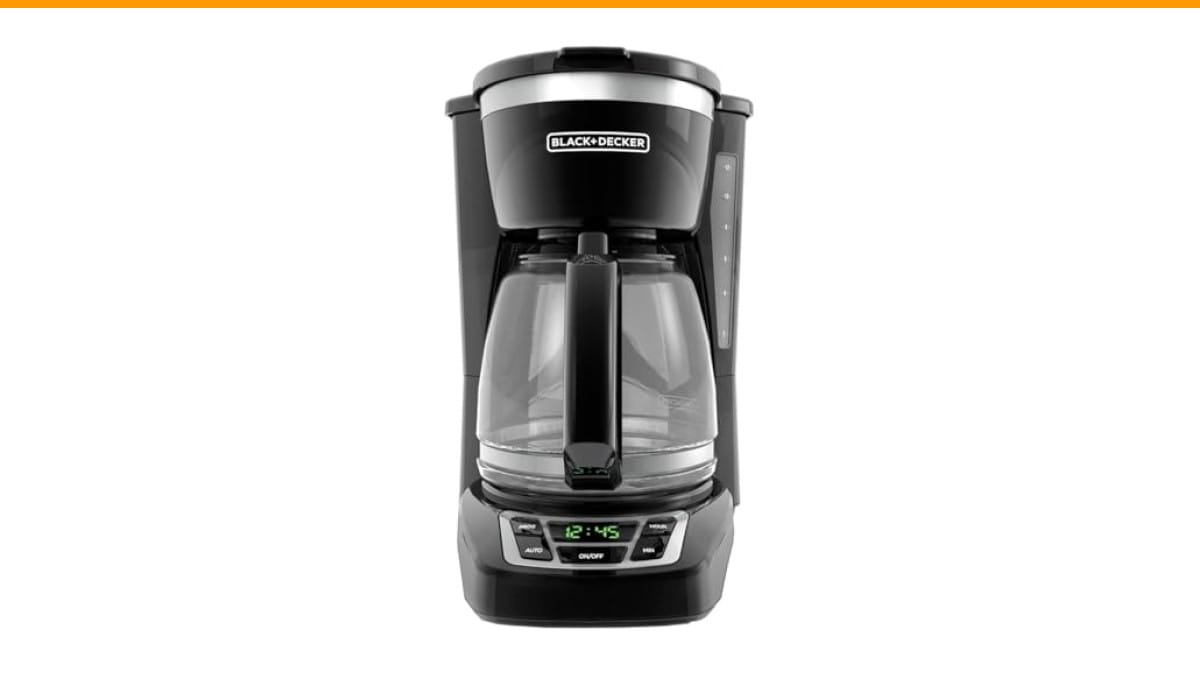
Your morning routine hits a wall when the 12 cup coffee maker decides it’s done. The display flashes a cryptic code, the brew button does nothing, or the machine simply stops mid-cycle. You press every button twice. Nothing. Most people assume the unit is dead and start shopping for a replacement. More often than not, the fix is a simple reset that takes under five minutes.
This guide walks through the actual reset procedures for common 12 cup models, explains what triggers the lockout state in the first place, and separates the fixes that work from the ones that waste your time. You’ll learn the difference between a soft reset, a hard reset, and a descaling cycle reset—because they are not the same thing.
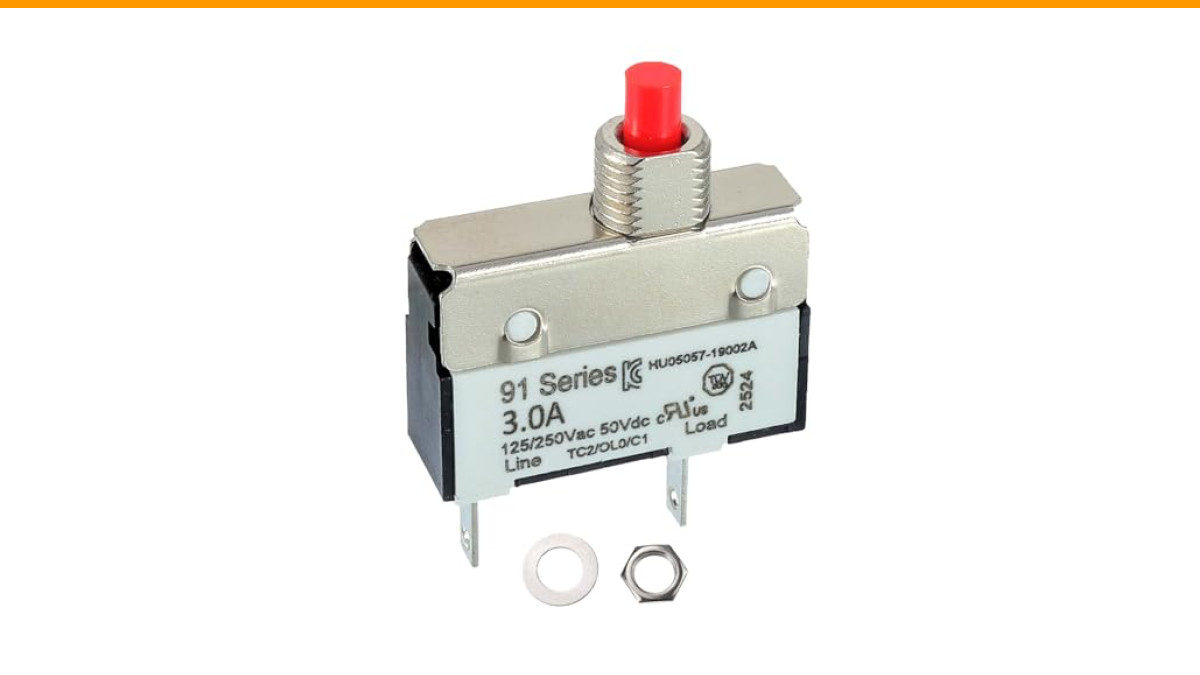
If your machine has a thermal overload switch (common in grinders and some brewers), a manual reset button might be the culprit. A component like the EPLZON 3A manual reset circuit breaker protects against current spikes, and knowing how those work helps you understand why your machine sometimes needs a hard power cycle.
First, Understand Why Your Coffee Maker Needs a Reset
Coffee makers lock up for a few predictable reasons. The control board detects a fault—overheating, a stuck relay, or a voltage spike—and shuts down to protect itself. Some machines do this silently. Others flash a red light or beep repeatedly until you intervene.
The most common trigger is a power surge. Even a minor one from your fridge kicking on can scramble the logic board. The second most common cause is mineral buildup. Scale interferes with the heating element’s temperature sensor, which makes the board think the machine is overheating when it isn’t. That false reading trips a safety lockout.
So when you reset, you are not fixing a mechanical problem. You are clearing an error state from the microcontroller. Treat the reset as the first step, not the only step. If the lockout returns after a week, you have a recurring issue that needs a deeper fix—usually a thorough vinegar descaling.
The Soft Reset: Unplug and Wait
This is the most reliable fix for 80% of lockups. Unplug the machine from the wall outlet. Wait at least 60 seconds. Not ten seconds—sixty. The capacitors inside need time to fully discharge. If you short the wait, the board retains enough residual charge to keep the error state alive.
While it’s unplugged, press and hold the power button for 15 seconds. This drains any remaining charge from the control board. Plug it back in. The display should reset to a default state, usually showing the clock or a ready indicator.
If your machine has a thermal circuit breaker like the EPLZON 3A, you’ll hear a distinct click when it trips. That breaker sits inline with the heating circuit. When it trips, the machine appears completely dead—no lights, no display. After unplugging and letting it cool for 15 to 30 minutes, press the reset button on the breaker itself. Then plug the machine back in.
The Hard Reset: Factory Defaults
Some machines, particularly digital models with programmable timers, store the error in non-volatile memory. A simple power cycle won’t clear it. You need a factory reset procedure.
Check your manual for the exact button combination. Common patterns include:
- Press and hold the Brew and Timer buttons simultaneously for 10 seconds
- Press Program then Auto Off in rapid succession
- Hold the Clock button while plugging the unit back in
These combinations vary by brand. Cuisinart models often use the Clean button held for 5 seconds. Mr. Coffee models typically reset by holding the Brew button while reconnecting power.
If your machine has unresponsive buttons rather than a lockout, the issue might be a stuck membrane switch. Press each button firmly five times in a row. This reseats the conductive pad underneath. If that fails, see our guide on coffee maker buttons not working for a deeper fix.
The Descaling Reset: When Scale Mimics a Malfunction
Here is where most people get fooled. The machine flashes a warning light, you reset it, it works for two days, then the light returns. You reset again. This cycle repeats until you’re convinced the unit is haunted.
It’s not haunted. It’s scale. Hard water leaves calcium deposits on the heating element. Those deposits insulate the element, so it runs hotter to reach the target temperature. The thermistor reads that higher temperature and flags an overheat condition. The reset clears the flag, but the scale is still there, so the flag returns.
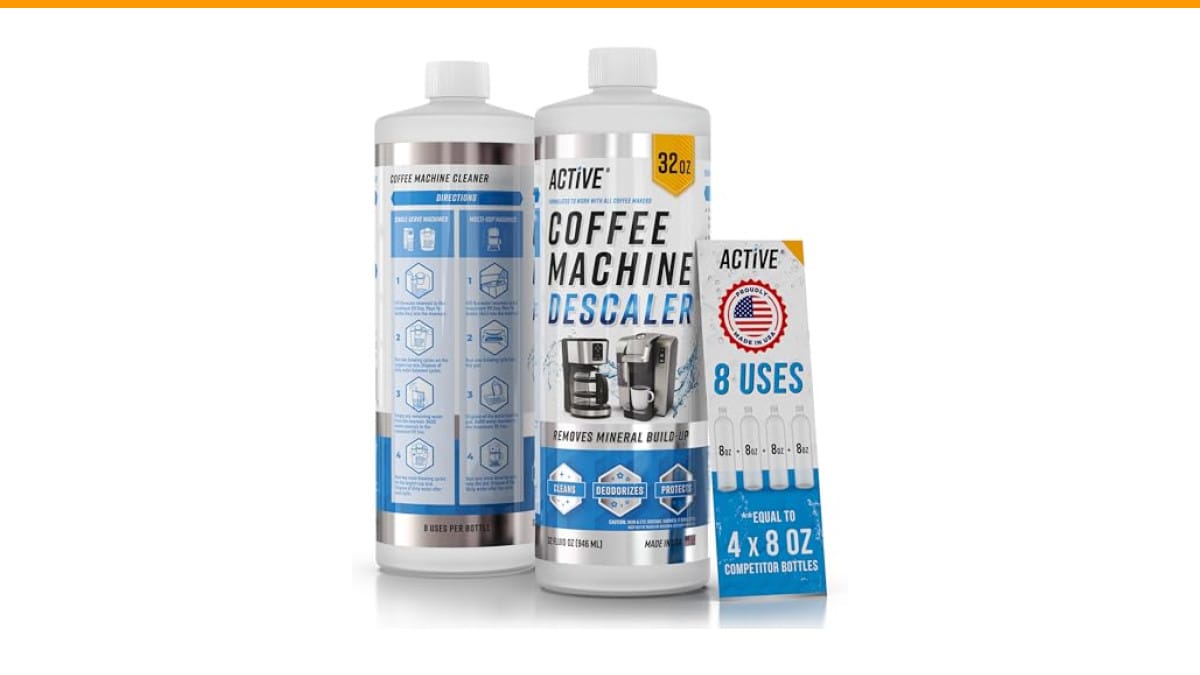
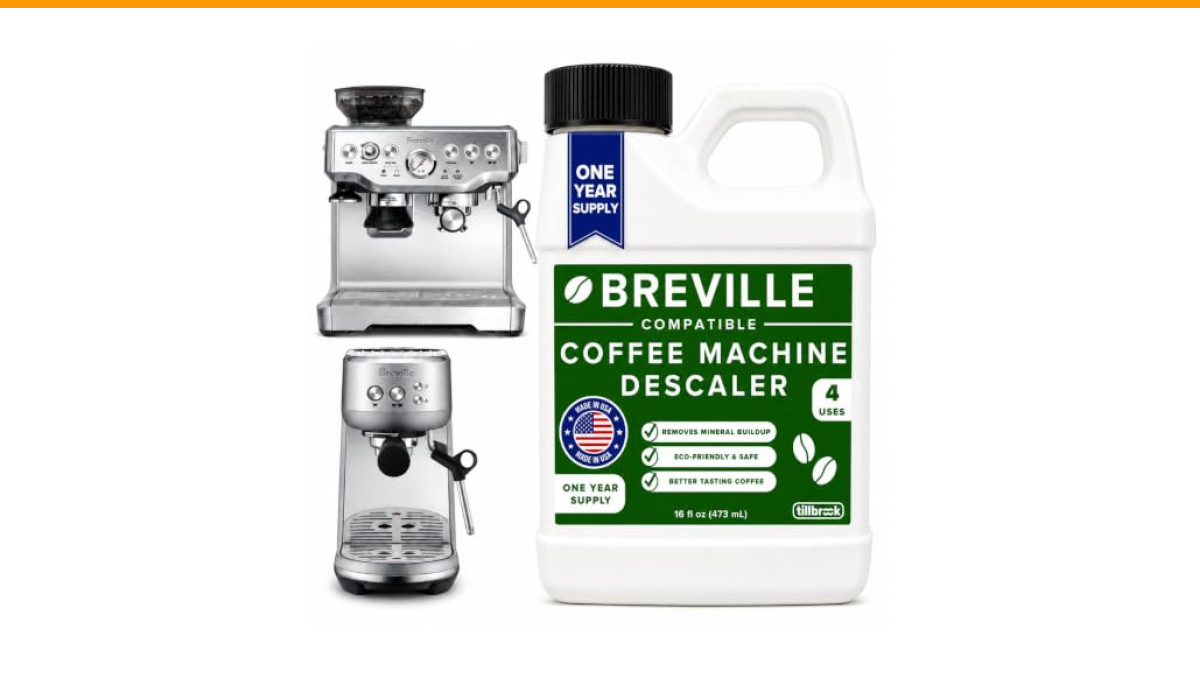
The fix is a descaling cycle, not a reset. Mix a solution of equal parts white vinegar and water, or use a commercial descaler. Run a full brew cycle with the solution, then run two full cycles with plain water to rinse. This dissolves the scale and resolves the false overheat readings.
For a complete walkthrough, check our guide on proper coffee maker cleaning. The process takes about 30 minutes and should happen every 60 to 90 days depending on your water hardness.
Comparing Reset Methods: Which One Works When
| Reset Method | Best For | Time Required | Success Rate |
|---|---|---|---|
| Power cycle (unplug/replug) | Random lockups, frozen displays, post-surge errors | 2 minutes | High for transient faults |
| Factory reset (button combo) | Persistent error codes, corrupted timer settings | 5 minutes | Moderate; depends on model |
| Descaling cycle | Recurring overheat warnings, slow brewing, weak output | 30 minutes | High for scale-related issues |
| Thermal breaker reset | Complete power loss, no display at all | 15-30 min cooldown | High if breaker tripped |
One honest caveat: no reset fixes a dead heating element. If you’ve tried all four methods and the machine still won’t brew, the element likely burned out. At that point, replacement parts cost more than a new unit. It’s not worth the hassle.
Myth: More Watts Means Better Brewing
People assume a 1500-watt coffee maker brews faster and hotter than a 1000-watt model. Not exactly. Wattage determines how quickly the heating element reaches temperature, not the final brew temperature. Most machines regulate to the same 195-205°F range regardless of wattage.
Higher wattage does mean faster recovery between cups if you’re brewing back-to-back. But for a standard 12 cup batch, the difference is about 30 seconds. That’s not worth paying a premium for. What matters more is water distribution over the grounds and consistent temperature control.
When a machine fails after a reset, people blame the wattage. They think the element is too weak. In reality, the issue is almost always a tripped thermal breaker or scale buildup. The wattage rating is a red herring.
Myth: Leaving It Unplugged Overnight Fixes Everything
It’s a popular tip on forums. Unplug the machine before bed, plug it in the next morning, and everything works. Sometimes it does. But if the underlying issue is a tripped thermal breaker, time alone won’t fix it. You have to physically press the reset button on the breaker.
Similarly, if the problem is scale, an overnight unplug does nothing. The mineral deposits don’t dissolve on their own. You need the chemical reaction from vinegar or citric acid to break them down.
So the overnight trick works only for transient logic errors that clear once the capacitors drain. For everything else, you’re delaying the actual fix. Save yourself the lost morning and do a proper reset or descale instead.
Five Questions People Actually Ask
Why does my coffee maker keep resetting itself?
This points to a recurring power issue or a failing component. If the machine resets mid-brew, check the outlet with a multimeter. A loose neutral wire can cause intermittent power loss. If the outlet is fine, suspect the thermal breaker. A breaker that trips repeatedly under normal load is worn out and needs replacement.
Can I reset my coffee maker without unplugging it?
Some models have a reset button on the control panel, usually labeled Reset or indicated by a small pinhole. Press it with a paperclip for 5 seconds. But this only works on certain machines. The universal method remains unplugging and waiting. If your model doesn’t have a visible reset button, the power cycle is your only option.
Will resetting my coffee maker erase the programmed clock?
Yes. A factory reset clears all saved settings, including the clock, auto-brew timer, and water hardness settings. You’ll need to reprogram those after the reset. A simple power cycle may preserve the clock if the machine has a backup battery, but most budget models don’t. Expect to set the time again.
How often should I descale to avoid reset lockups?
Every 60 days if you use tap water. Every 90 days if you use filtered water. If you live in an area with very hard water, drop that to 45 days. A descaling reminder light is not a suggestion—it’s a countdown to a lockup. Ignore it and you’ll be doing a reset within a week.
Is there a difference between resetting a drip maker and a single-serve?
Single-serve machines often have a more complex reset procedure because they have a pump and a pressure sensor. Drip makers are simpler—the reset clears the heating control logic. Single-serve units may require a specific sequence involving the brew and descale buttons held together. Check the manual; the procedure is rarely intuitive.
What to Do When the Reset Doesn’t Work
You’ve done the power cycle, held the buttons, run the descale. The machine still sits there, dark and unresponsive. Before you toss it, verify the outlet works. Plug in a lamp or phone charger. If that doesn’t power on, the outlet is the problem, not the coffee maker.
Check the power cord for damage. A chewed cord or a bent prong interrupts power. Inspect the thermal breaker if your machine has one. Some models hide it under the base plate. You’ll need a screwdriver to access it.
If everything checks out and the machine still won’t respond, the control board is likely fried. That’s a repair cost of $40-$80 in parts plus labor. A new 12 cup maker costs less. Cut your losses and recycle the old unit.
For machines that do respond but brew weak or cold coffee, the issue is often a clogged water line. Our guide on cleaning a clogged coffee maker walks through the process of clearing mineral deposits from the internal tubing.
Resets Are Temporary; Maintenance Is Permanent
- Always unplug for a full 60 seconds before attempting any reset—short waits don’t discharge the capacitors.
- Press the reset button on a tripped thermal breaker manually; time alone won’t reset it.
- Run a descaling cycle every 60-90 days to prevent scale-induced lockouts.
- Check the wall outlet first if your machine appears completely dead after a reset attempt.
- Factory resets erase your programmed clock and timer settings—expect to reconfigure them.
- Recurring lockouts after a successful reset point to scale, a worn breaker, or a failing control board.
- If the machine won’t respond after all methods, replacement beats repair on cost and reliability.
Products related to this article
Sponsored / affiliate links. As an Amazon Associate I earn from qualifying purchases. I may earn additional commission from eligible campaigns.
 HomeBeyond Espresso Coffee Maker 12 Cups, Classic Stovetop Espresso Maker, 600ml / 20oz Coffeemaker for Gas & Ceramic Stovetops (Silver)
 Luxylei Coffee Mug Warmer for Desk, Cup Warmer Temperature Settings, Electric Beverage Tea Water Milk Warmer for All Cups Mugs
 Quick Heating Cup Warmer, Three Temperature Settings, Splashproof and Portable, for Coffee, Milk, Lightweight ABS Material