You rely on your coffee machine every day to kickstart your mornings and keep you energized. But have you ever wondered how to keep it working like new for years to come?
If you want to avoid costly repairs and enjoy the perfect cup every time, taking care of your coffee machine is key. You’ll discover simple, effective tips to maintain your machine and extend its life. Stick with me, and you’ll learn how easy it is to protect your investment and enjoy better coffee every day.
Credit: hometechcanada.ca
Daily Cleaning Tips
Daily cleaning is key to keeping your coffee machine working well. It stops dirt and old coffee from building up. This makes your coffee taste better and your machine last longer. Spend a few minutes each day on simple cleaning steps. These small efforts save you from big problems later.
Wiping Down External Surfaces
Use a soft, damp cloth to wipe the machine’s outside. Clean areas like the body, buttons, and display. This removes dust, fingerprints, and coffee stains. Avoid harsh cleaners that can damage the surface. A quick wipe keeps your machine looking neat and fresh every day.
Emptying And Rinsing Drip Trays
Check the drip tray after making coffee. It collects spills and drips that can cause smells. Empty the tray carefully to avoid spills. Rinse it with warm water and mild soap. Dry the tray before putting it back. This prevents mold and keeps your machine clean.
Cleaning The Brew Basket
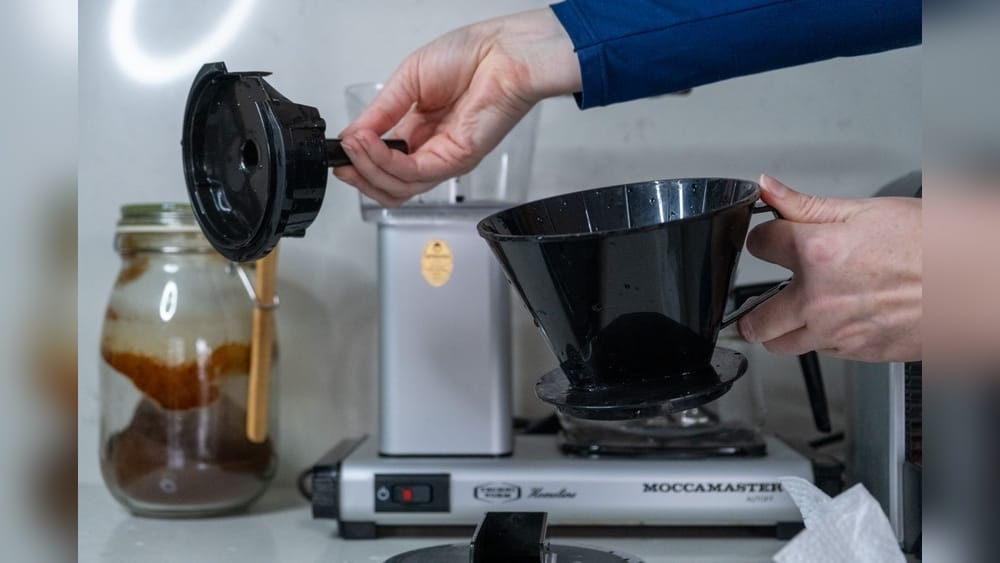
Remove the brew basket daily. Rinse it under warm water to remove coffee grounds. Use a soft brush to clean hard-to-reach spots. Avoid using soap if your machine instructions say not to. A clean brew basket helps coffee flow properly and tastes better.
Weekly Maintenance Steps
Weekly maintenance keeps your coffee machine working well for years. Small tasks every week stop big problems. These steps help your machine make better coffee and last longer. Follow simple routines to keep your machine clean and efficient.
Descaling The Machine
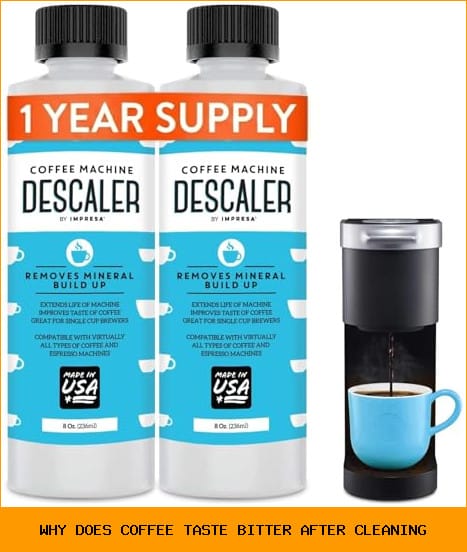
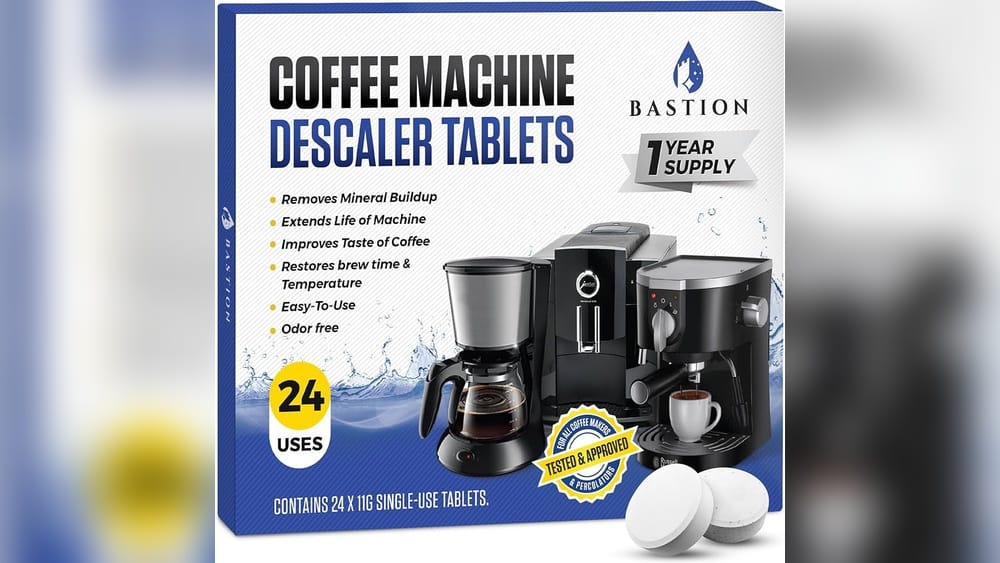
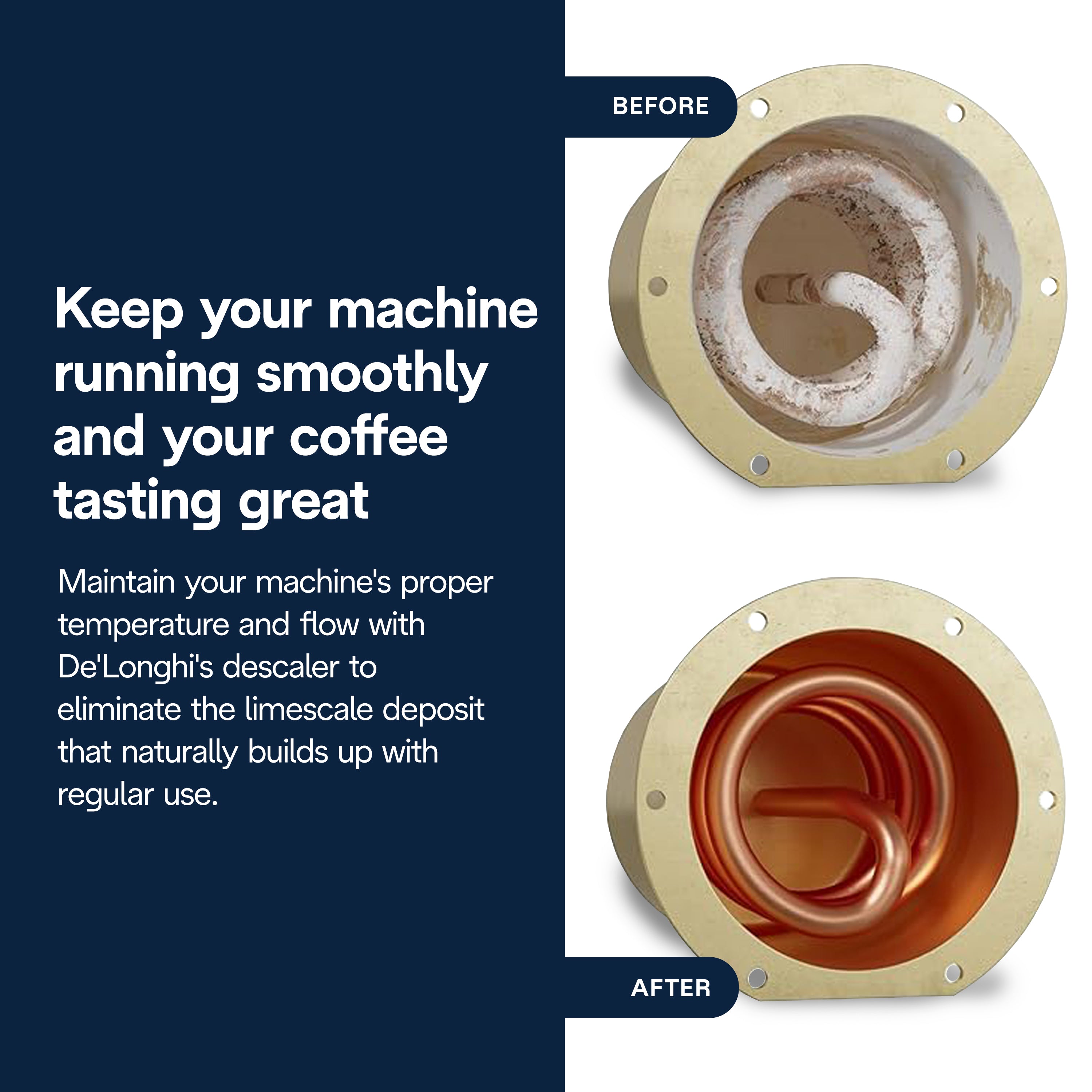
Descaling removes hard water buildup inside your machine. Use a special descaling solution or vinegar. Run the solution through the machine as you do with water. This clears mineral deposits that block water flow. Descaling once a week prevents damage and keeps coffee tasting fresh.
Cleaning Water Reservoirs
Empty and rinse the water reservoir every week. Use warm, soapy water to clean it well. Rinse with clean water to remove soap. Dirty reservoirs can cause bad taste and bacteria growth. Keeping the reservoir clean helps your machine work smoothly.
Checking And Replacing Filters
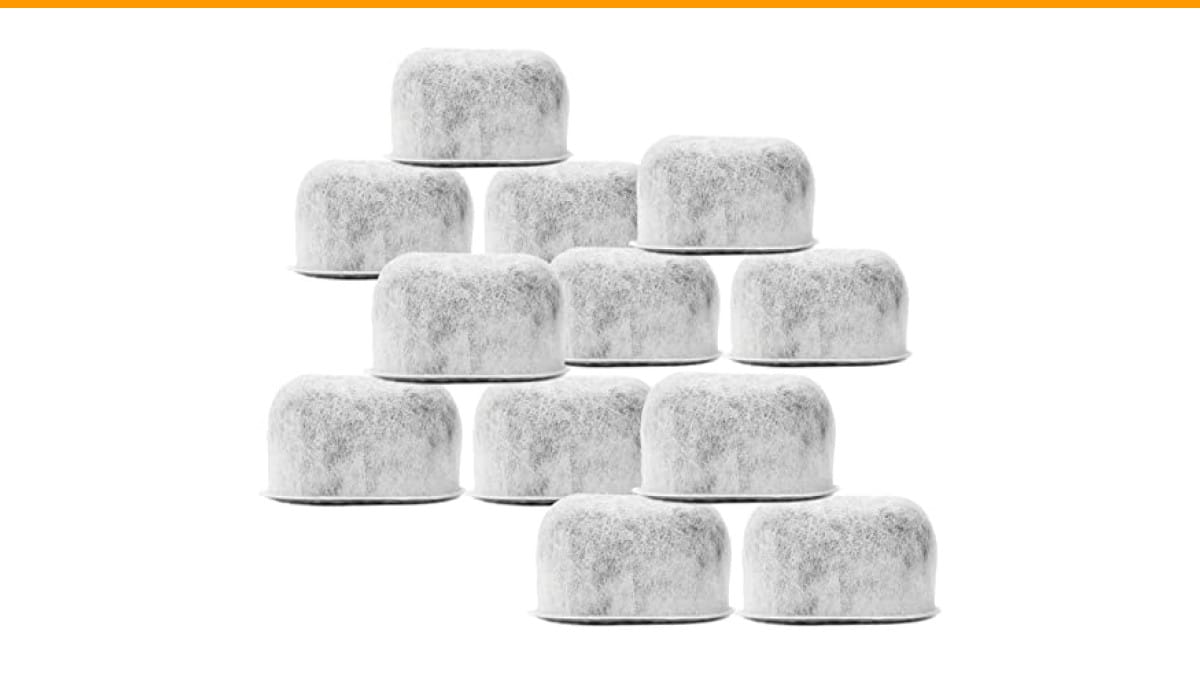
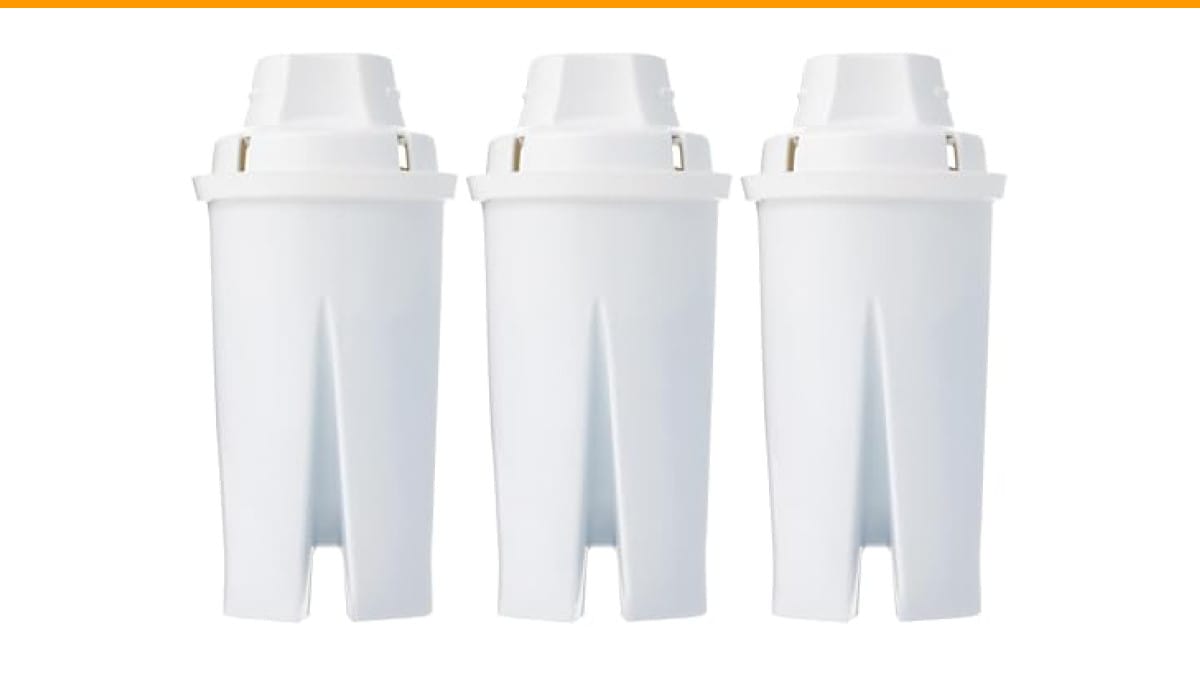
Check water filters for dirt and wear each week. Replace filters as needed to keep water clean. Clean filters protect your machine and improve coffee flavor. A simple filter change can prevent clogs and extend machine life.
Monthly Deep Cleaning
Monthly deep cleaning is essential to keep your coffee machine working well. It removes hidden dirt and old coffee oils that affect taste. Regular deep cleaning helps the machine last longer and makes every cup taste fresh.
Removing And Cleaning Internal Components
Start by unplugging the machine. Remove parts like the brew group, drip tray, and water reservoir. Wash these parts with warm, soapy water. Use a soft brush to clean inside tight spaces. Let all parts dry completely before putting them back.
Using Specialized Cleaning Products
Use cleaning tablets or powders made for coffee machines. These products break down coffee oils and residues inside the machine. Follow the product instructions carefully. Run a cleaning cycle to flush out the machine’s internal system. This keeps the machine clean and helps it brew better coffee.
Inspecting For Wear And Tear
Check all parts for cracks or damage. Look at seals and gaskets for wear. Replace any worn or broken parts quickly. This prevents leaks and machine breakdowns. Regular inspection avoids costly repairs and keeps your coffee tasting great.
Water Quality And Its Impact
Water quality affects your coffee machine’s health and taste. Poor water can cause damage and reduce machine life. It also changes how your coffee tastes. Using good water helps keep your machine clean and working well.
Choosing the right water is one of the easiest ways to protect your coffee machine. It stops mineral buildup and keeps parts from wearing out fast. Pay attention to the water you use for better coffee and a longer-lasting machine.
Using Filtered Or Bottled Water
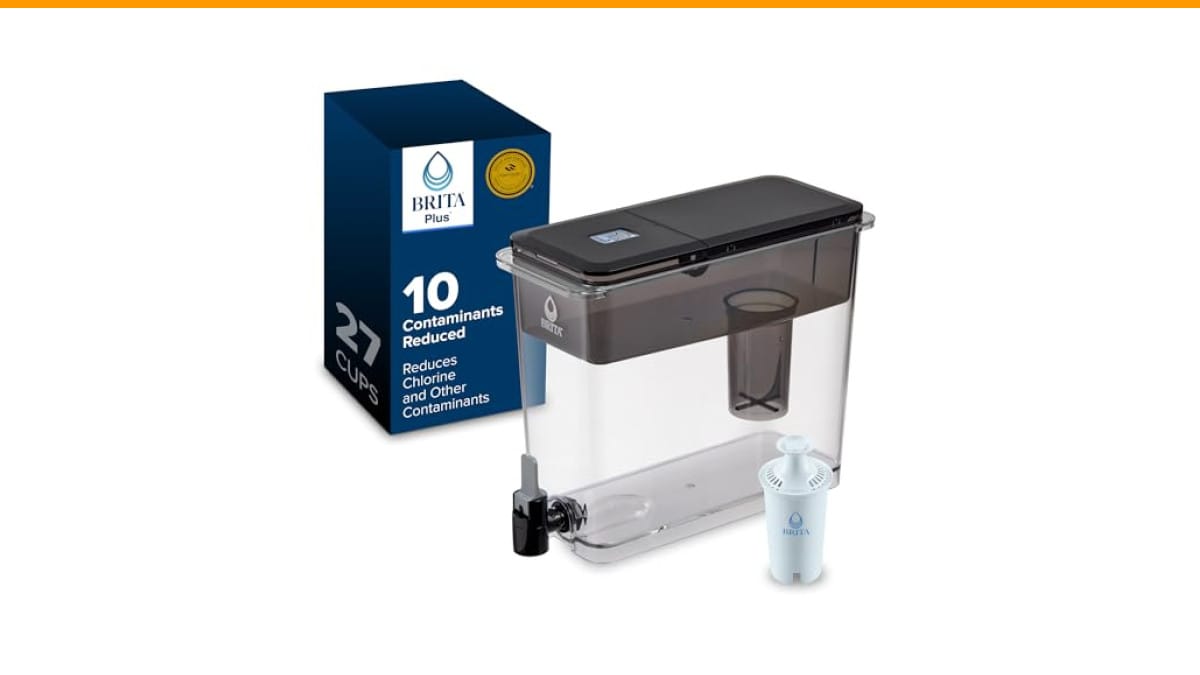
Filtered or bottled water contains fewer minerals than tap water. This helps prevent scale buildup inside the machine. Scale can block pipes and reduce water flow. Using filtered water means cleaner coffee and less maintenance. Bottled water is also a safe choice for consistent quality.
Avoiding Hard Water Damage
Hard water has high mineral content like calcium and magnesium. These minerals cause scale buildup inside your machine. Scale can damage heating elements and valves. It also affects coffee flavor and machine efficiency. Using soft water or a water softener can protect your machine from hard water damage.
Regularly Changing Water Source
Water quality can change over time and location. Regularly changing your water source keeps mineral buildup low. It also reduces the chance of bacteria growth in your machine. Try to use different bottled water brands or switch to filtered water often. This simple step helps maintain your machine’s health and coffee quality.
Proper Usage Habits
Proper usage habits play a key role in keeping your coffee machine working well. Using the machine the right way helps avoid damage and keeps it lasting longer. Small daily actions can make a big difference over time. Understanding these habits makes your coffee routine smoother and your machine more reliable.
Avoiding Overfilling
Never fill the water tank or coffee basket beyond the recommended level. Overfilling can cause leaks and damage internal parts. It also affects the taste of your coffee. Follow the machine’s fill lines to ensure the best performance and safety. This simple habit prevents many common problems.
Using Correct Coffee Grind Size
Choose the right grind size for your coffee maker. Too fine coffee can clog the filter and strain the machine. Too coarse coffee leads to weak, watery coffee. Using the correct grind size improves brewing and protects the machine’s components. Check your machine’s guide for the best grind type.
Allowing Machine To Cool Down
Let your coffee machine cool down before cleaning or storing it. Hot parts can get damaged if handled too soon. Cooling also prevents electrical issues and overheating. Wait a few minutes after brewing to keep your machine safe and healthy. This simple pause extends the machine’s life.

Credit: homtone.com
Troubleshooting Common Issues
Troubleshooting common issues helps keep your coffee machine working well. Small problems can stop your machine from making great coffee. Fixing these issues early saves money and time. Learn simple ways to solve frequent troubles.
Dealing With Blockages
Blockages can stop water from flowing properly. Coffee grounds or mineral deposits often cause clogs. Clean the filter and coffee basket regularly. Use a descaling solution to remove buildup inside pipes. Run clean water through the machine after cleaning. These steps keep water moving smoothly and improve taste.
Fixing Leaks
Leaks waste water and cause damage. Check water tank seals and hoses for cracks or loose parts. Tighten any loose connections carefully. Replace worn-out seals or damaged hoses. Clean around the drip tray to prevent overflow. Fixing leaks early avoids bigger problems.
Addressing Unusual Noises
Strange sounds mean something is wrong. Grinding or squeaking noises could be from worn parts. Clean the grinder and remove stuck beans. Check for loose screws or parts inside the machine. Lubricate moving parts if the manual suggests it. Quiet machines work better and last longer.
When To Seek Professional Help
Knowing when to seek professional help is key to keeping your coffee machine working well. Some problems need expert care beyond regular cleaning and simple fixes. Acting early can save money and prevent bigger damage.
Signs Of Serious Malfunctions
Leaks that do not stop after cleaning are a warning sign. Strange noises, like grinding or clanking, show internal issues. If the machine does not heat water properly, it may need repair. Error messages on the display should not be ignored. Poor coffee taste after cleaning could mean a deeper problem.
Benefits Of Regular Servicing
Regular servicing keeps all parts working smoothly. It helps catch small problems before they grow. Professionals clean hard-to-reach areas inside the machine. Servicing improves coffee flavor by removing hidden buildup. It extends the life of your machine.
Choosing A Qualified Technician
Pick a technician with experience in coffee machines. Check reviews or ask for recommendations. Make sure they use original parts for repairs. A good technician explains the problem clearly. Choose someone who offers a warranty on their work.

Credit: www.amazon.com
Frequently Asked Questions
How Often Should I Clean My Coffee Machine?
You should clean your coffee machine weekly to remove coffee oils and residue. Regular cleaning prevents clogs and ensures better flavor.
What Is The Best Way To Descale A Coffee Machine?
Use a descaling solution or white vinegar to descale every 1-3 months. This removes mineral buildup and maintains machine efficiency.
Can I Use Tap Water In My Coffee Machine?
Using filtered water is best to avoid mineral buildup. Tap water can cause scaling and affect taste over time.
How Do I Maintain The Grinder In A Coffee Machine?
Clean the grinder monthly by brushing out coffee grounds. This prevents jams and keeps the grinder functioning smoothly.
Conclusion
Keeping your coffee machine clean helps it last longer. Regularly remove old coffee grounds and clean all parts. Use fresh water each time you brew. Descale the machine to stop mineral buildup. Small steps save money and time later. Enjoy great coffee every day with little effort.
Simple care makes a big difference in machine life. Stay consistent, and your coffee maker will serve you well. Easy habits bring better coffee and fewer repairs.
Products related to this article
Sponsored / affiliate links. As an Amazon Associate I earn from qualifying purchases. I may earn additional commission from eligible campaigns.
 8 Pcs Wooden Coffee Spoon, Long Handle Wwood Spoons for Eating
 Coffee Espresso Machine Handle Replacement Parts, Cafe Bracket Handle for Lidl Silvercrest CM4621 CM4218 KF5002 KF500S Barista (for 51mm Portafilter Basket - Not included)
 SOLUSTRE Electric USB Coffee Cup Warmer with Temperature Settings Portable Milk and Beverage Heating Coaster for Office Desk Small Lightweight Design Easy to Clean Surface Multi Functional